
travel-app
An invented trip-planning app for iOS, Android and the web: 21 screens in six areas (auth, home, trip, activity, sharing, settings) and eight flows.
Everything on this page is Starboard’s own output for examples/travel-app: starboard generate drew the wireframes and wrote the screen catalog, and the diagrams are the project’s Mermaid sources, drawn. The wireframes are grey boxes by design: they show each screen’s regions and their order, not a visual design.
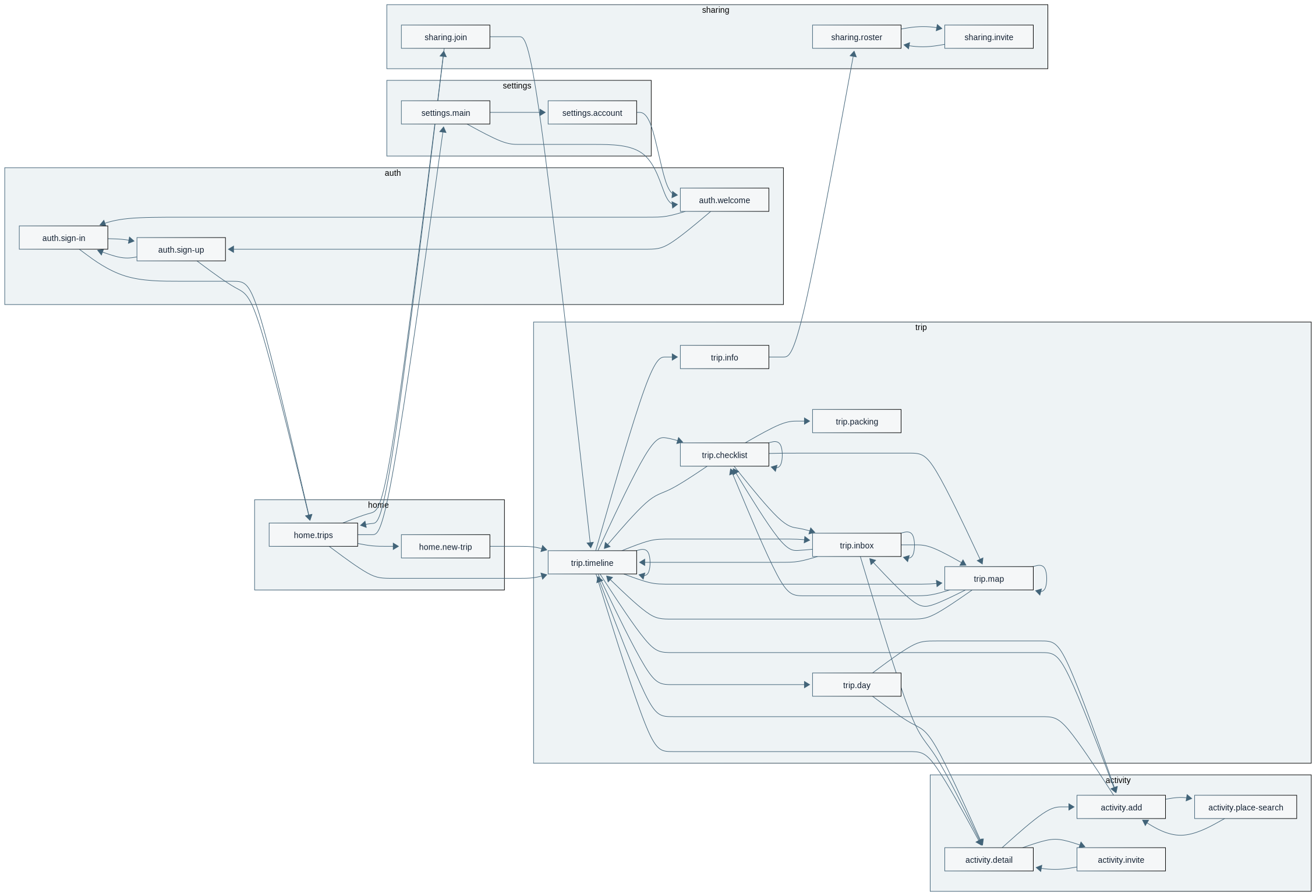
App map
Section titled “App map”Every screen, grouped by area, with the links between them (from generated/app-map.md). The screen catalog below lists each screen’s links in words.
Add an activity
add-activity · status: shipped · starts at trip.timeline
Goal: put something on one day of the trip, at a place.
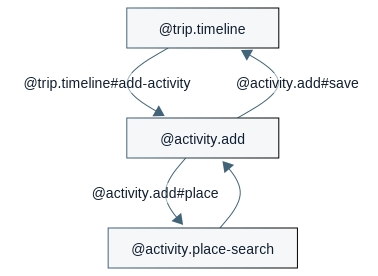
- Tap
@trip.timeline#add-activity.- If the traveller cannot edit logistics, the button is hidden.
- Name it in
@activity.add#title. - Choose the day in
@activity.add#day. - Pick a place in
@activity.place-search#results. - Tap
@activity.add#save; the activity appears on@trip.timeline#days.
Answer the inbox
answer-the-inbox · status: shipped · starts at trip.timeline
Goal: say whether you are going to the activities you were invited to, and bring someone else along.
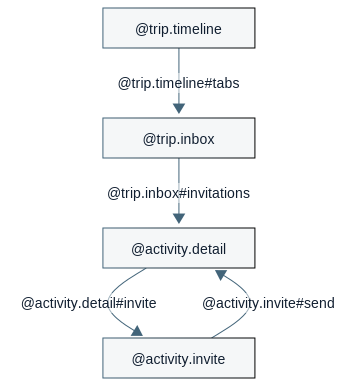
- Open
@trip.inboxfrom@trip.timeline#tabs. - Tap an invitation in
@trip.inbox#invitationsto open@activity.detail. - Answer in
@activity.detail#answer; the invitation leaves the inbox. - To bring someone along, tap
@activity.detail#invite. - Pick travellers in
@activity.invite#travellersand tap@activity.invite#send; they show in@activity.detail#goingas invited.
Invite a traveller
invite-a-traveller · status: proposed · starts at trip.info
Goal: bring someone onto the trip by email, with the role they need.
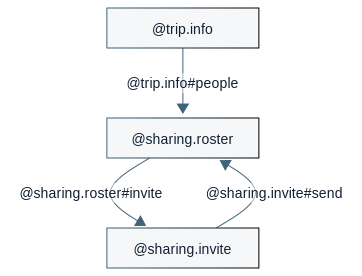
- Tap
@trip.info#peopleto open@sharing.roster. - Tap
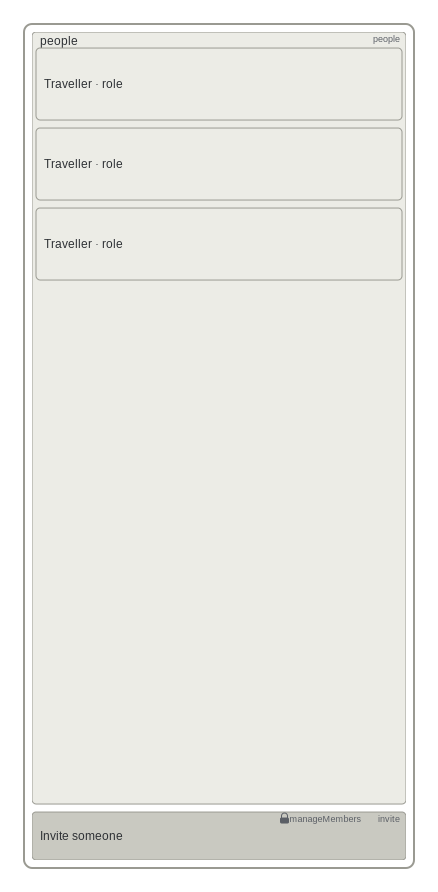
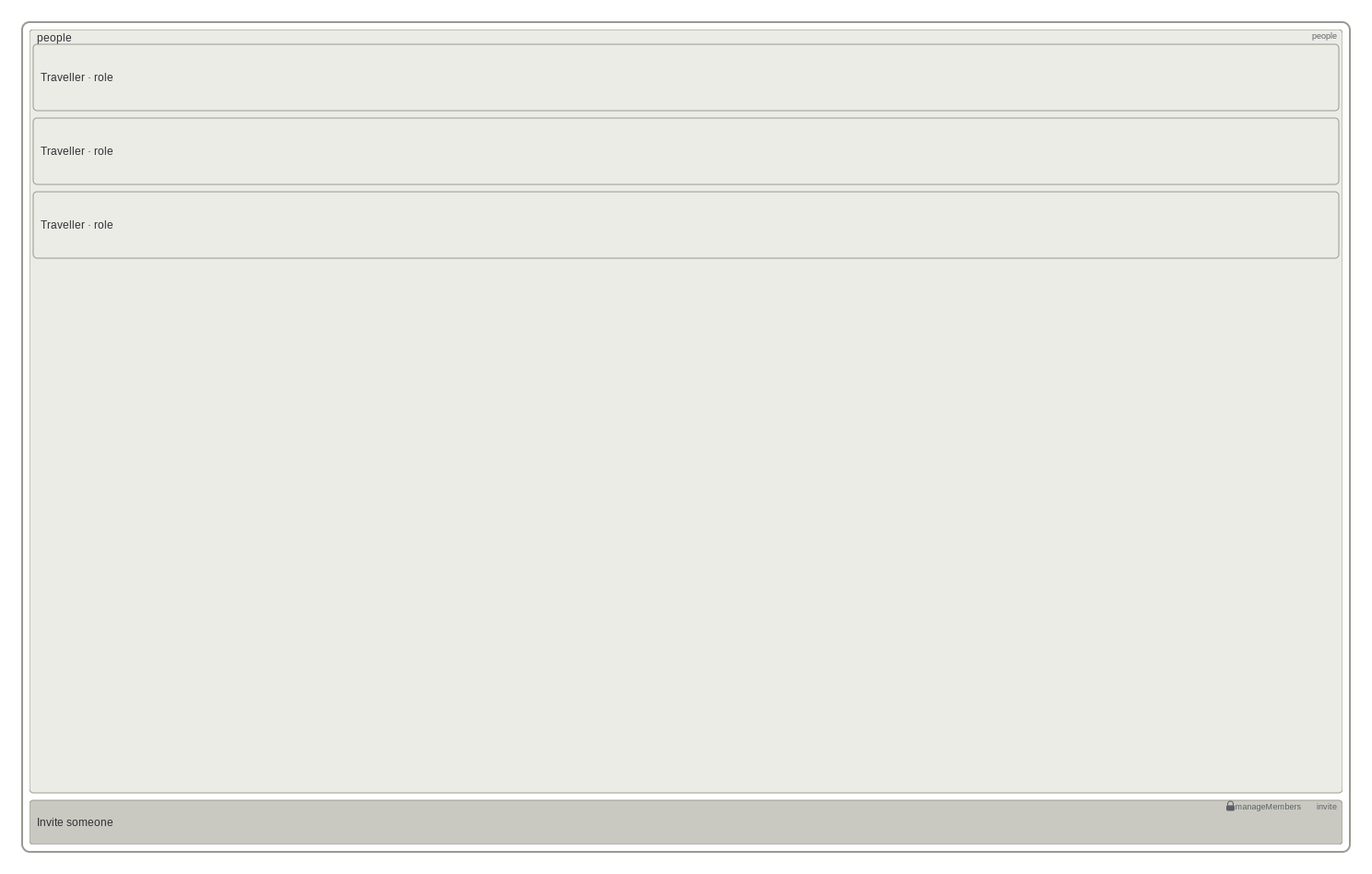
@sharing.roster#invite.- Without the manageMembers capability, the button is hidden.
- Type their address in
@sharing.invite#email. - Choose what they may do in
@sharing.invite#role. - Tap
@sharing.invite#send; they appear in@sharing.roster#peopleas invited.
Platform adaptations
Section titled “Platform adaptations”- android:
@sharing.inviteis proposed; until it ships, organizers on Android share the join code from@trip.info#join-codeinstead.
Join a trip
join-a-trip · status: shipped · starts at home.trips
Goal: join a trip someone else planned, with the code they shared.
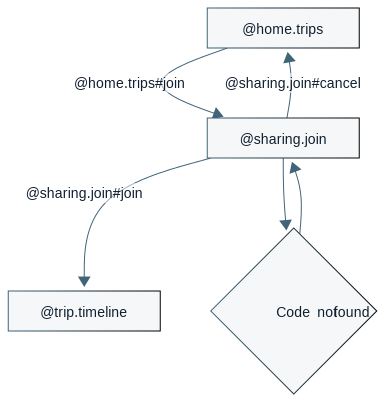
- Tap
@home.trips#join. - Type the code in
@sharing.join#code. - Tap
@sharing.join#join.- If no trip has that code,
@sharing.joinstays open and says so.
- If no trip has that code,
- The trip’s
@trip.timelineopens, and the trip is now in@home.trips#trips.
Look around a trip
look-around-a-trip · status: shipped · starts at home.trips
Goal: see what is planned, day by day and on the map, without changing anything.
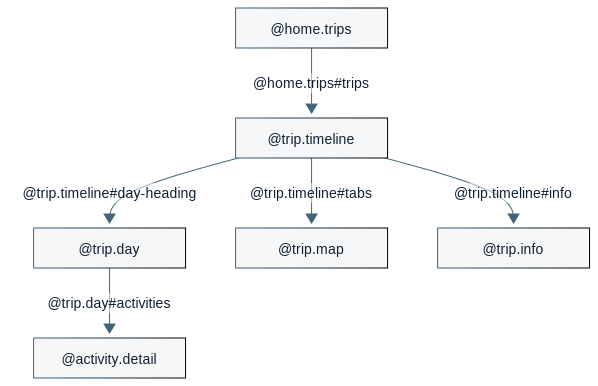
- Tap a trip in
@home.trips#trips. - On
@trip.timeline, tap@trip.timeline#day-headingto see the whole day on@trip.day. - Tap an activity in
@trip.day#activitiesto open@activity.detail. - Back on the timeline, switch to
@trip.mapfrom@trip.timeline#tabs. - Tap
@trip.timeline#infofor the dates and places on@trip.info.- Once the trip is over,
@trip.info#endedsays so.
- Once the trip is over,
Platform adaptations
Section titled “Platform adaptations”- web-wide: the tabs are a sidebar, and
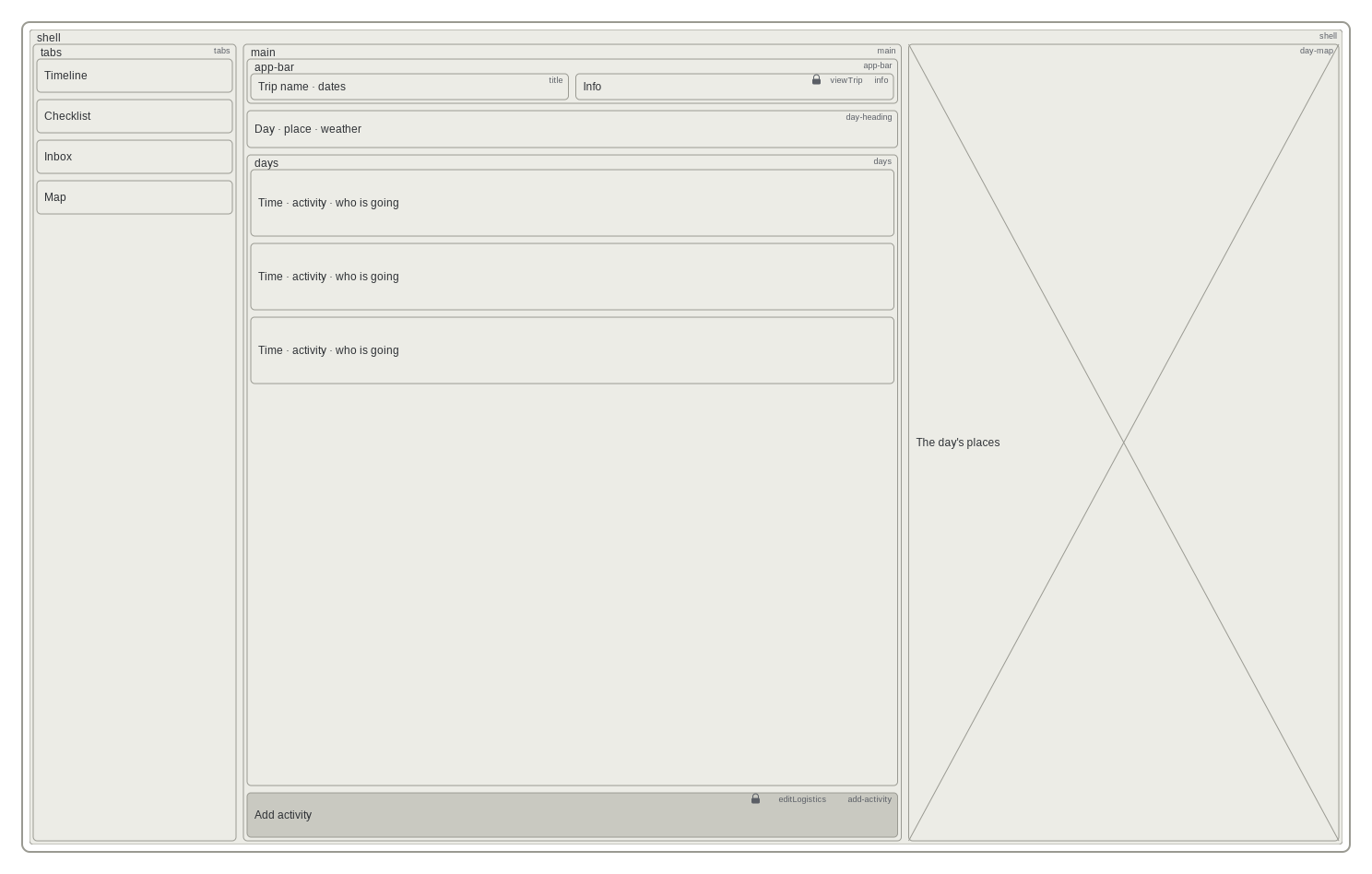
@trip.timeline#day-mapshows the day’s places beside the timeline.
Pack for a trip
pack-for-a-trip · status: proposed · starts at trip.checklist
Goal: agree who brings what, so nothing is packed twice or forgotten.
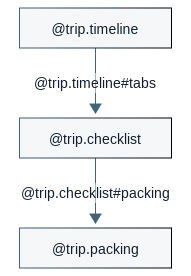
- Open
@trip.checklistfrom@trip.timeline#tabs. - Tap
@trip.checklist#packing. - Add what to bring with
@trip.packing#add-item. - Each entry in
@trip.packing#itemssays who packs it; tick it off once it is in a bag.
Plan a trip
plan-a-trip · status: shipped · starts at home.trips
Goal: start a new trip and land on its timeline, ready for activities.
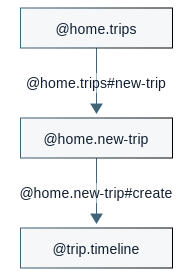
- Tap
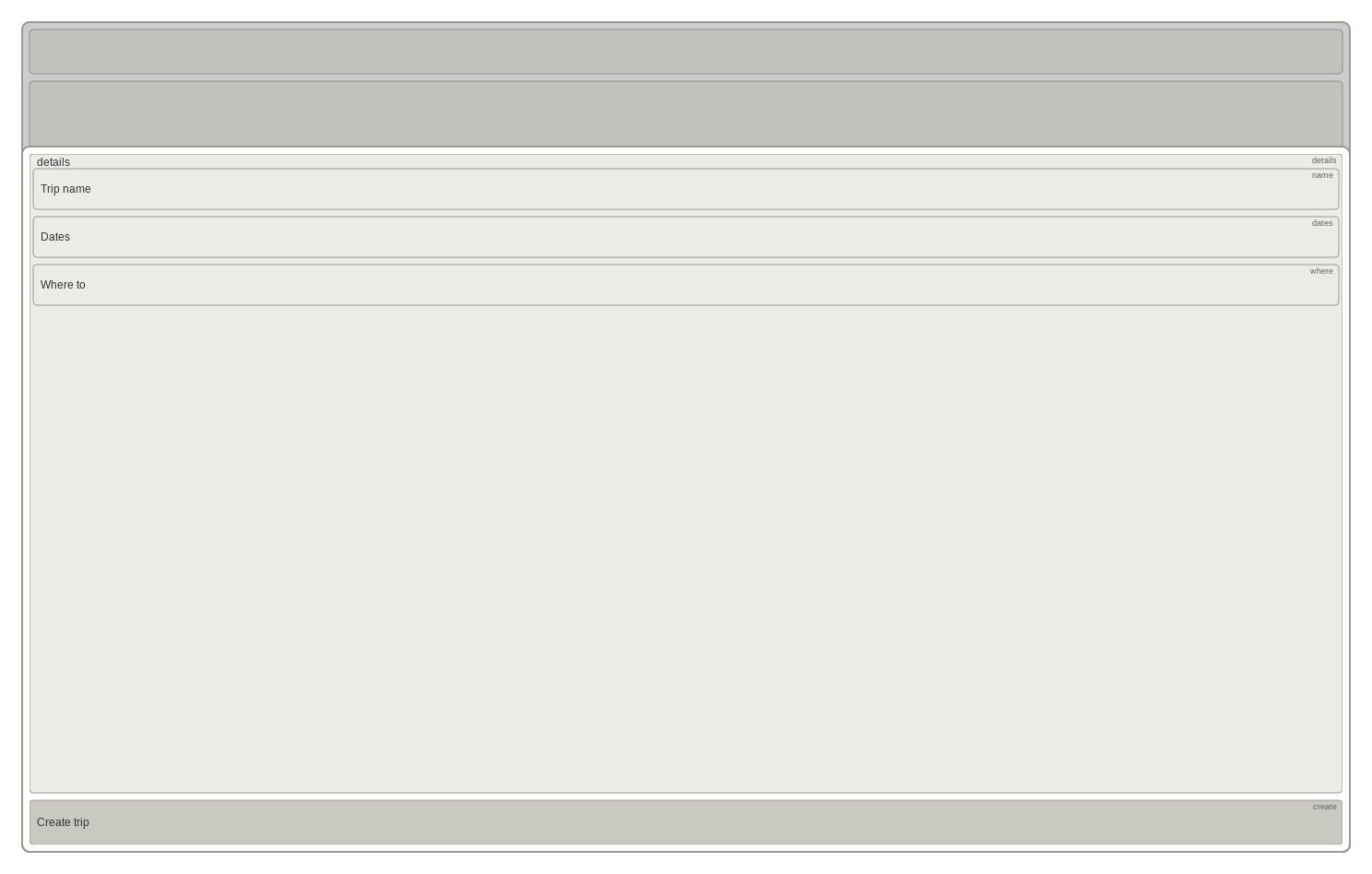
@home.trips#new-trip. - Name the trip in
@home.new-trip#name. - Choose the dates in
@home.new-trip#datesand the place in@home.new-trip#where. - Tap
@home.new-trip#createto open@trip.timeline, empty until the first activity is added.
Sign up, sign in and sign out
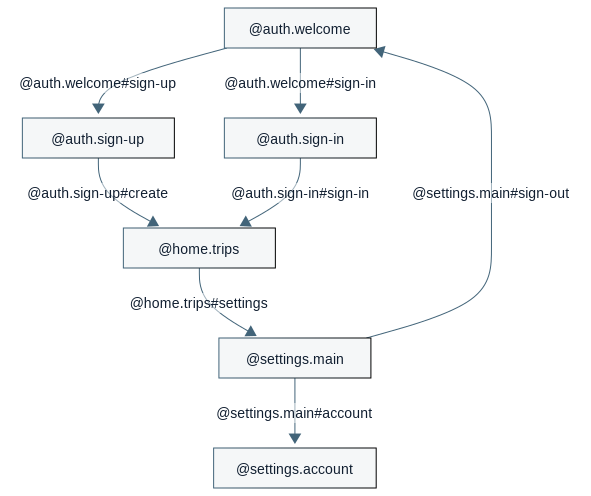
sign-in-and-out · status: shipped · starts at auth.welcome
Goal: get from a signed-out app to your trips, check the account, and sign out again.
- Tap
@auth.welcome#sign-up, or@auth.welcome#sign-inwith an account already. - To sign up, fill in
@auth.sign-up#detailsand tap@auth.sign-up#create. - To sign in, fill in
@auth.sign-in#credentialsand tap@auth.sign-in#sign-in. - Either way
@home.tripsopens, empty until you plan or join a trip. - Tap
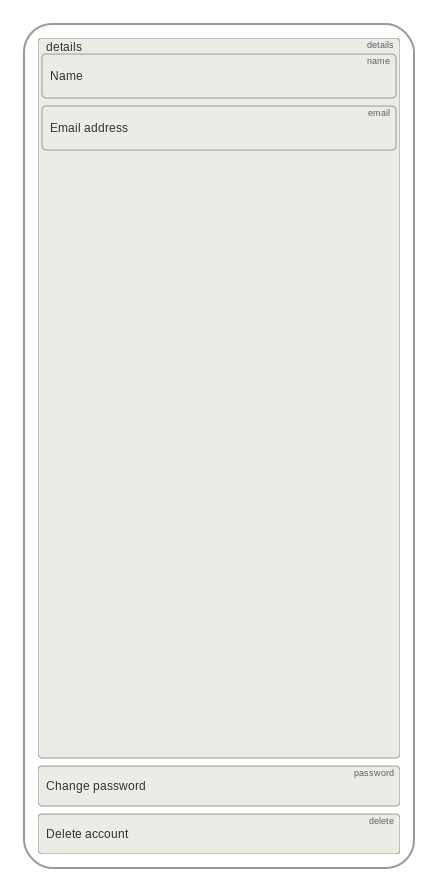
@home.trips#settingsto open@settings.main. - See your name and email on
@settings.account, opened with@settings.main#account. - Back on
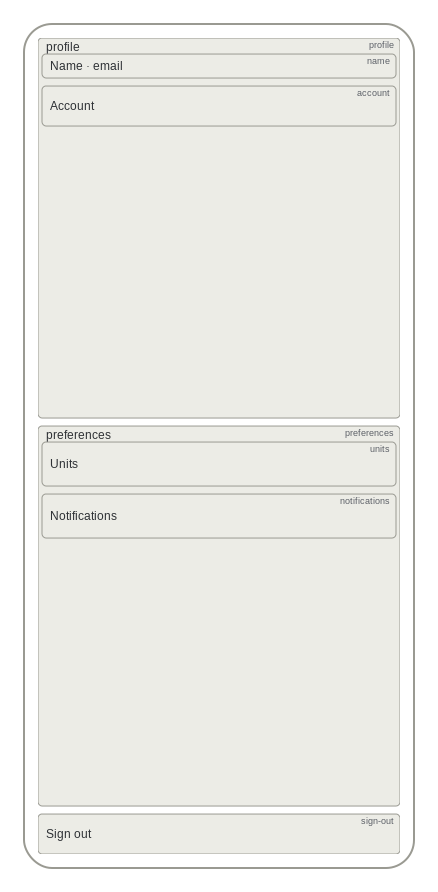
@settings.main, tap@settings.main#sign-outto return to@auth.welcome.
Platform adaptations
Section titled “Platform adaptations”- web: there is no account screen; step 6 happens in
@settings.main#profile.
Screens
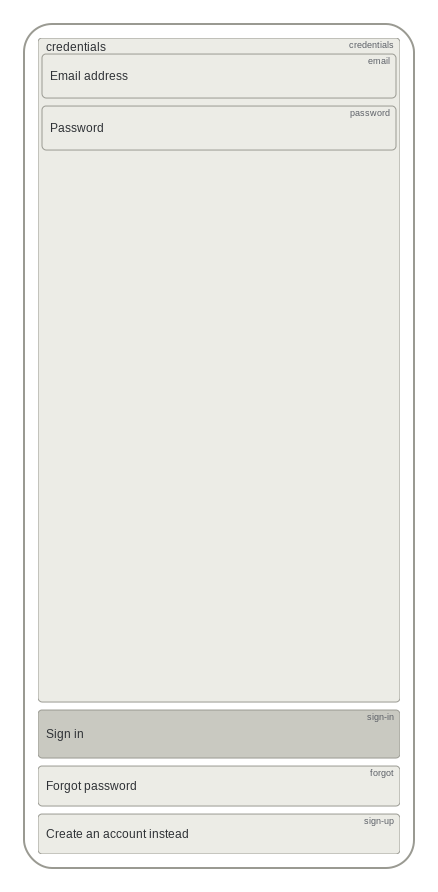
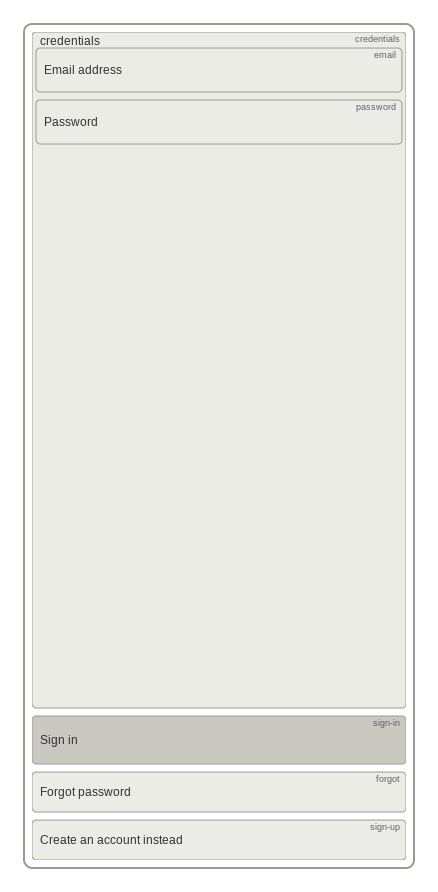
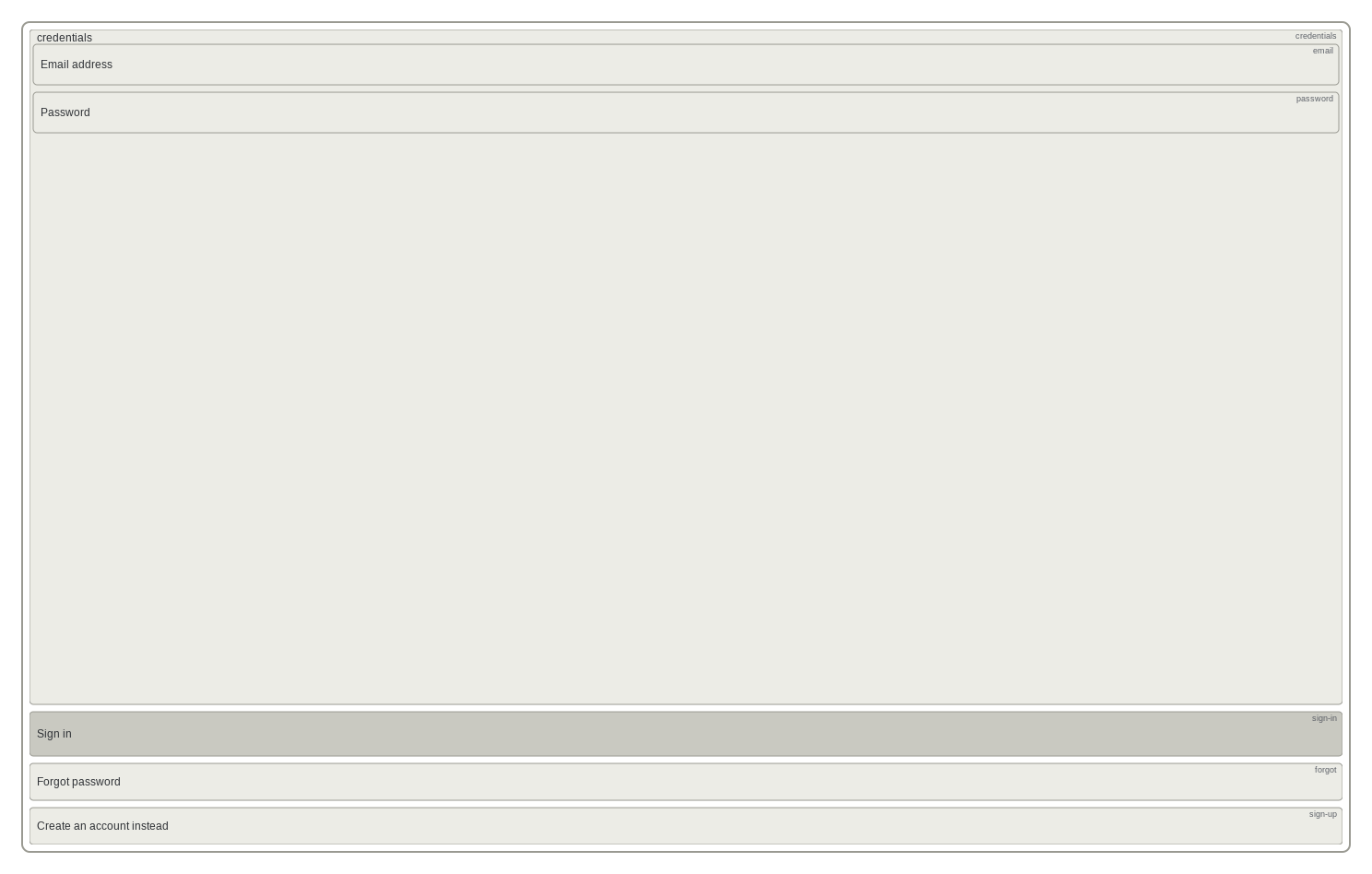
Section titled “Screens”The catalog starboard generate writes to generated/screens.md, with a wireframe for each form factor a screen is on.
Sign in (auth.sign-in)
Section titled “Sign in (auth.sign-in)”- Purpose: Sign in with an email address and a password.
- Presentation: push
- Status: shipped
- Platforms: ios, android, web
Files:
- ios: src/ios/Screens/Auth/SignInView.swift
- android: src/android/SignInScreen.kt
- web: src/web/routes/sign-in/+page.svelte
Screenshots: none.
Navigates to:
auth.sign-uphome.trips
Reached from:
auth.sign-upauth.welcome
Used in flows:
Create an account (auth.sign-up)
Section titled “Create an account (auth.sign-up)”- Purpose: Create an account with a name, an email address and a password.
- Presentation: push
- Status: shipped
- Platforms: ios, android, web
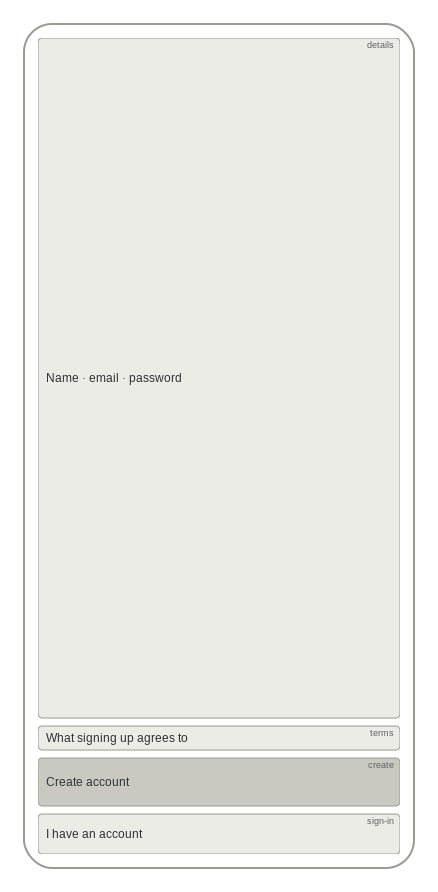
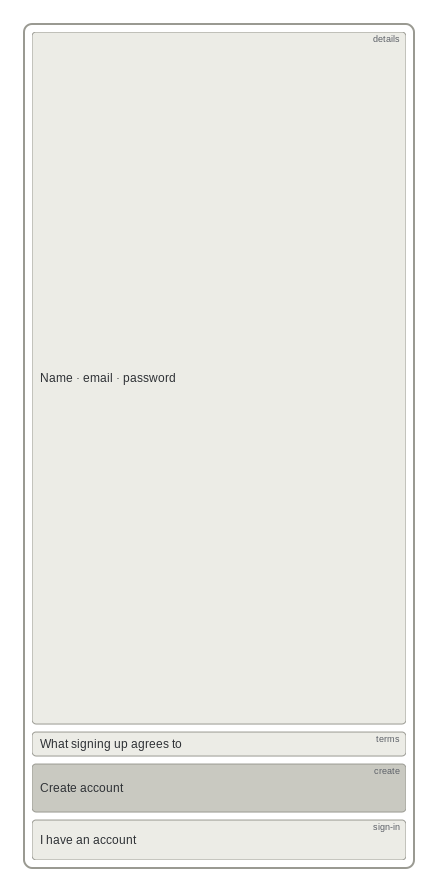
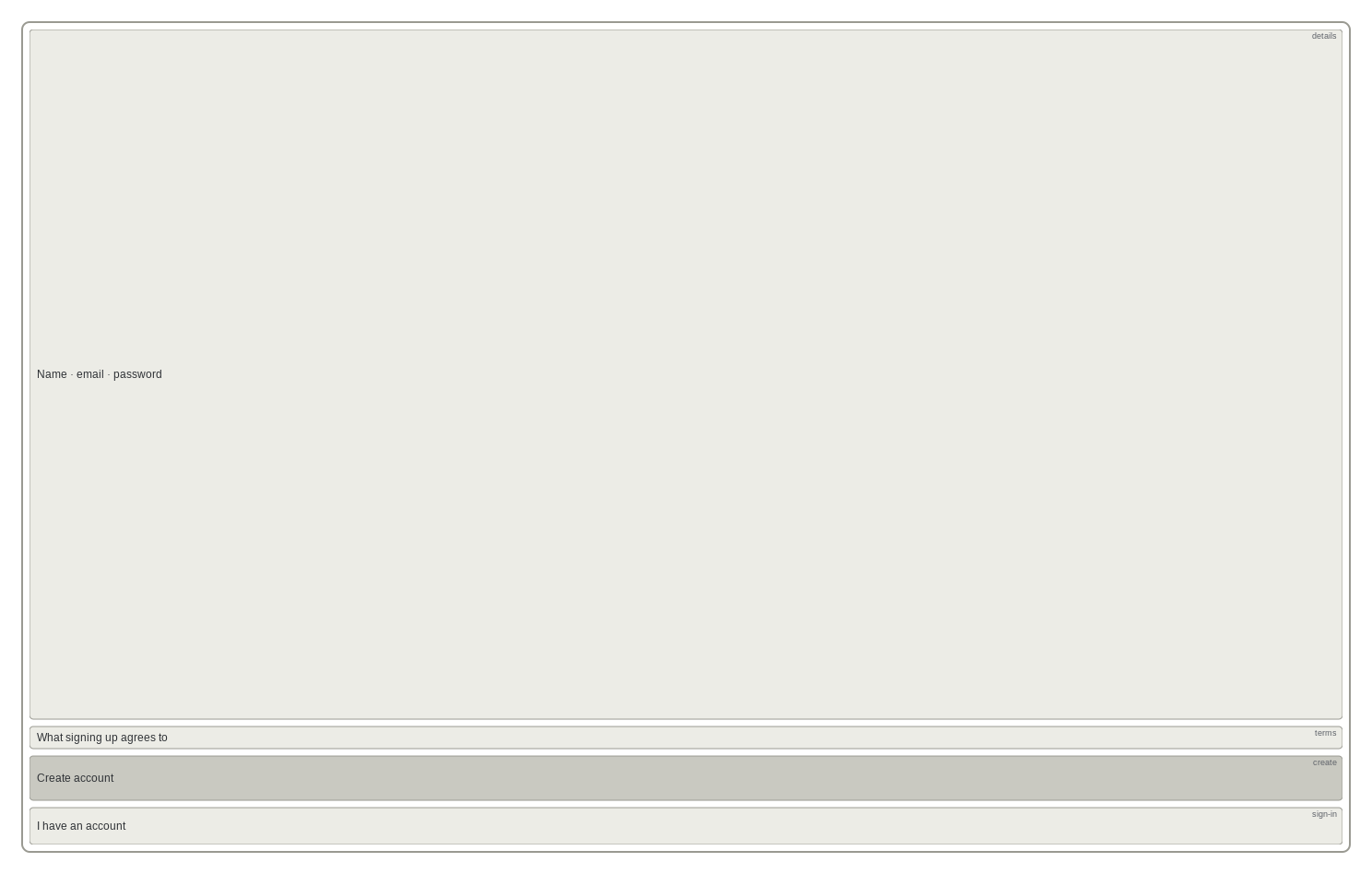
Files:
- ios: src/ios/Screens/Auth/SignUpView.swift
- android: src/android/SignUpScreen.kt
- web: src/web/routes/sign-up/+page.svelte
Screenshots: none.
Navigates to:
auth.sign-inhome.trips
Reached from:
auth.sign-inauth.welcome
Used in flows:
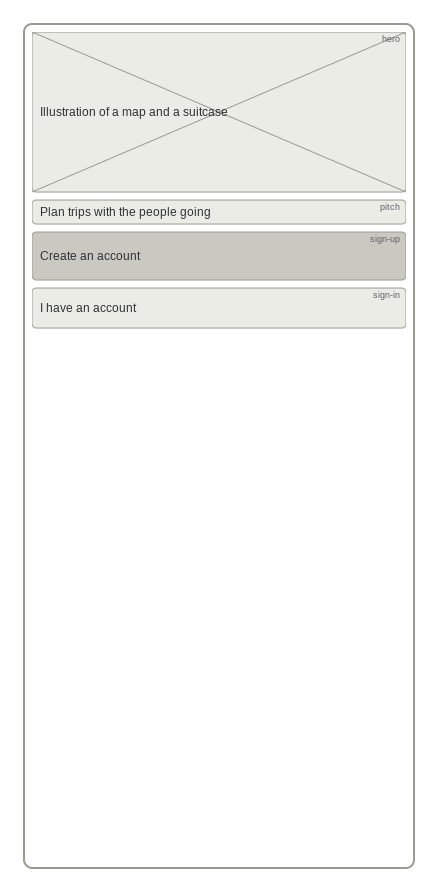
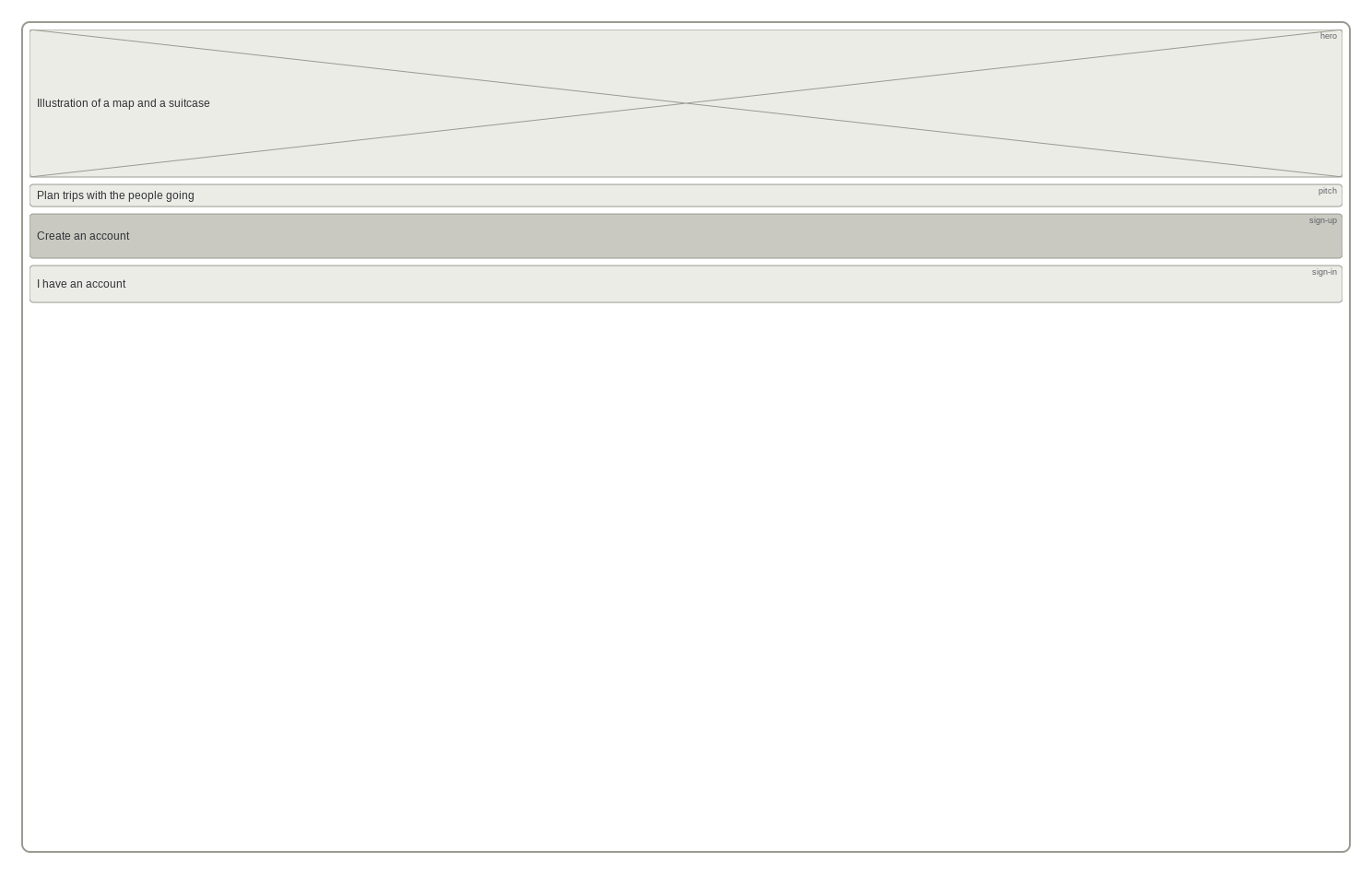
Welcome (auth.welcome)
Section titled “Welcome (auth.welcome)”- Purpose: The first screen of a signed-out app; create an account or sign in.
- Presentation: root
- Status: shipped
- Platforms: ios, android, web
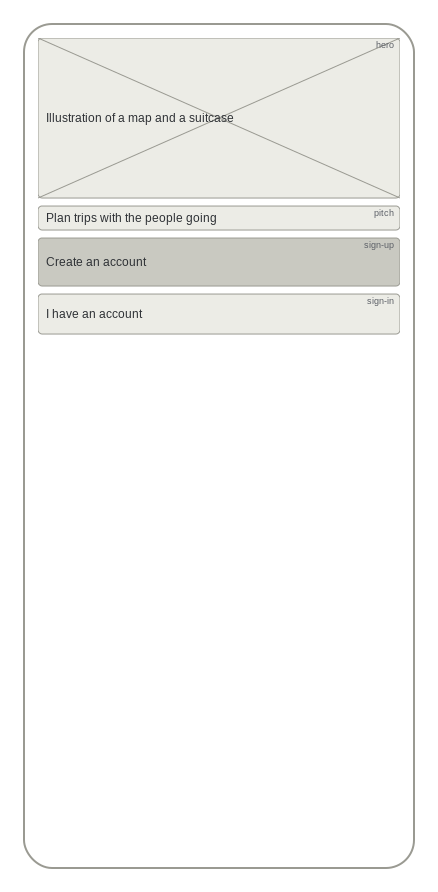
Files:
- ios: src/ios/Screens/Auth/WelcomeView.swift
- android: src/android/WelcomeScreen.kt
- web: src/web/routes/welcome/+page.svelte
Screenshots: none.
Navigates to:
auth.sign-inauth.sign-up
Reached from:
settings.accountsettings.main
Used in flows:
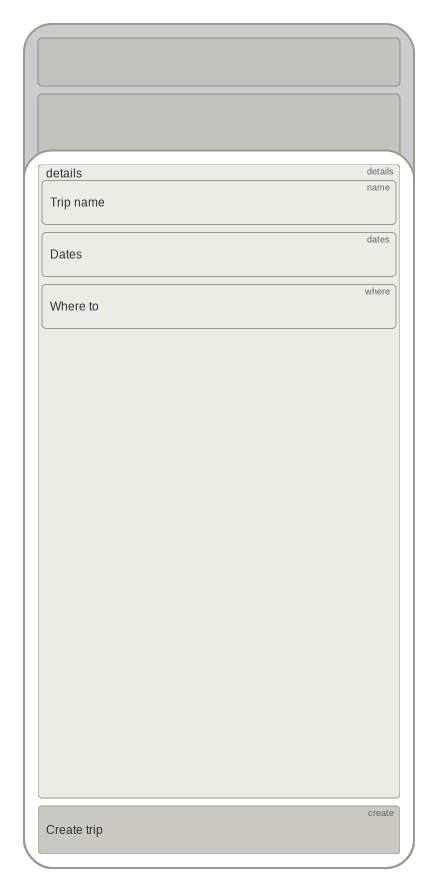
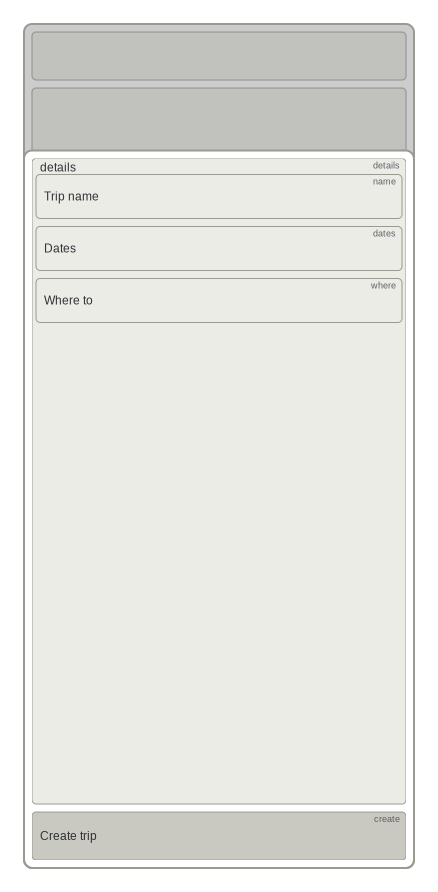
New trip (home.new-trip)
Section titled “New trip (home.new-trip)”- Purpose: Name a trip and choose its dates.
- Presentation: sheet
- Status: shipped
- Platforms: ios, android, web
Files:
- ios: src/ios/Screens/Home/NewTripView.swift
- android: src/android/NewTripScreen.kt
- web: src/web/components/NewTripSheet.svelte
Screenshots: none.
Navigates to:
trip.timeline
Reached from:
home.trips
Used in flows:
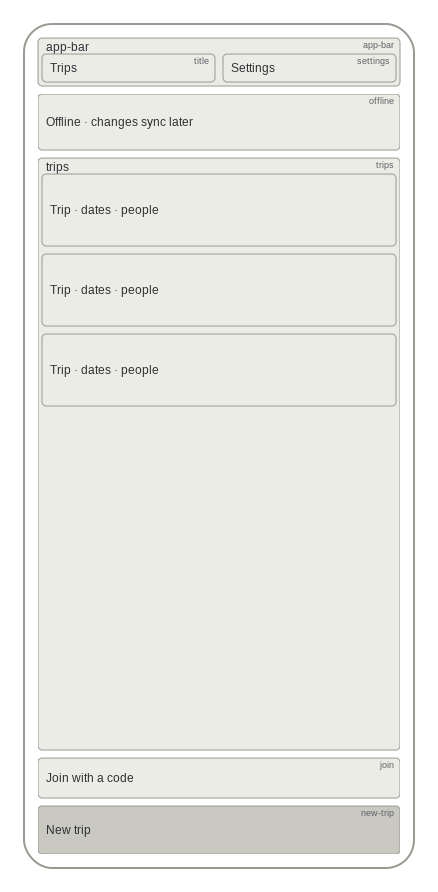
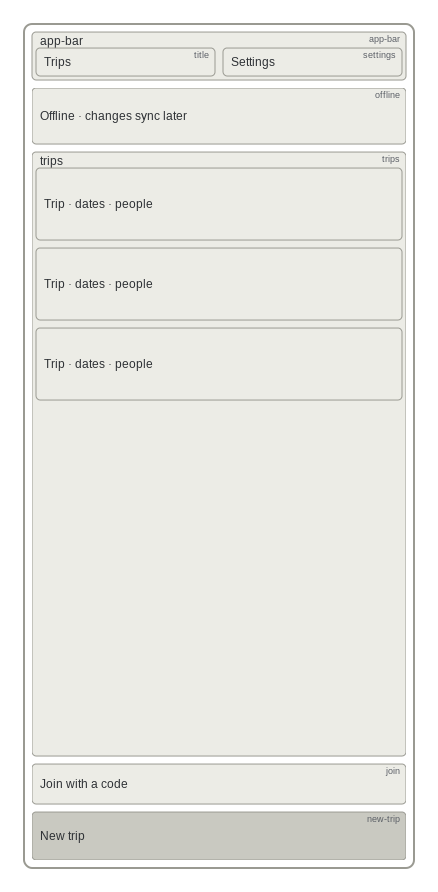
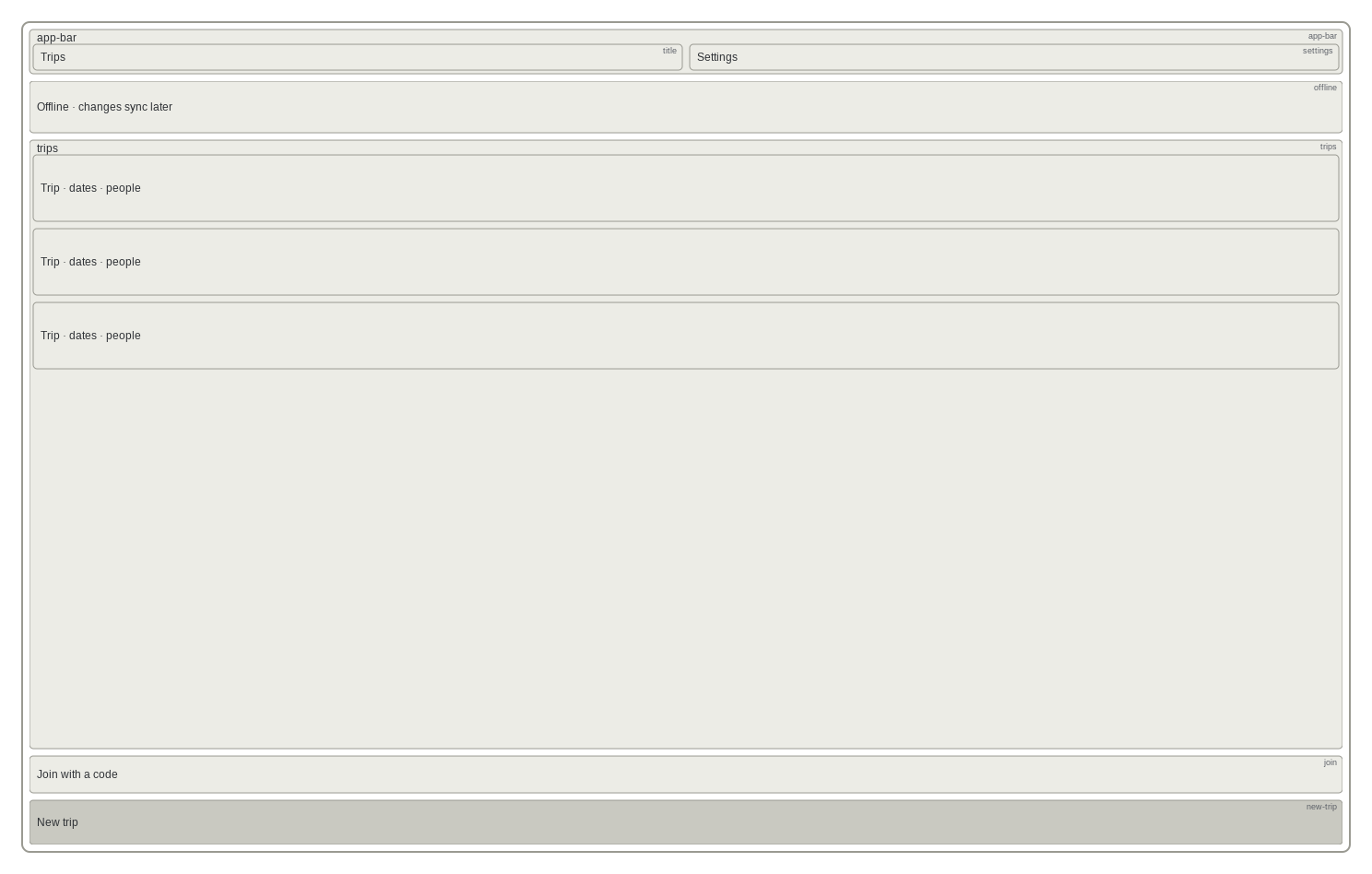
Your trips (home.trips)
Section titled “Your trips (home.trips)”- Purpose: Every trip you plan or travel on, the next one first.
- Presentation: root
- Status: shipped
- Platforms: ios, android, web
Files:
- ios: src/ios/Screens/Home/TripsView.swift
- android: src/android/TripsScreen.kt
- web: src/web/routes/+page.svelte
Screenshots: none.
Navigates to:
home.new-tripsettings.mainsharing.jointrip.timeline
Reached from:
auth.sign-inauth.sign-upsharing.join
Used in flows:
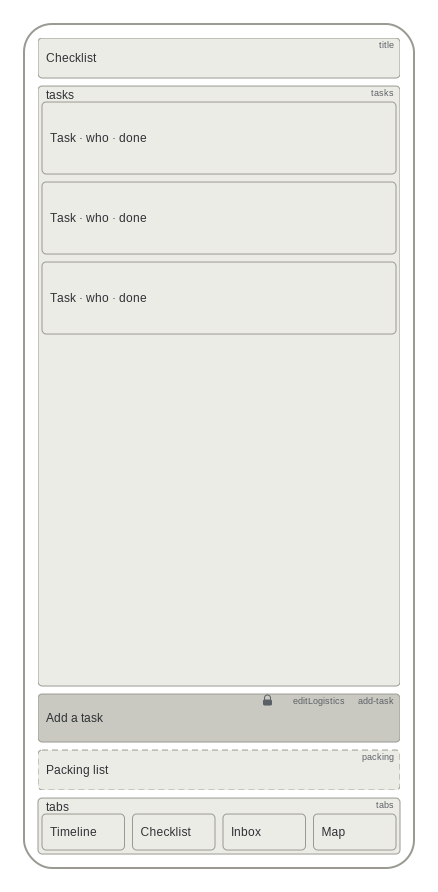
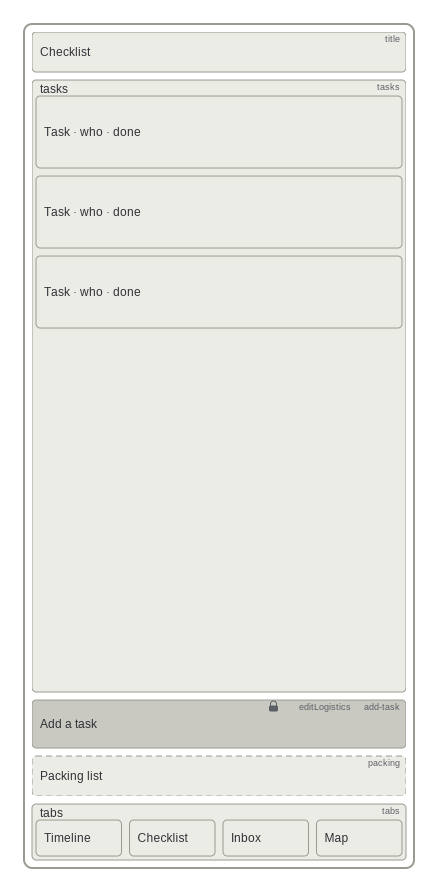
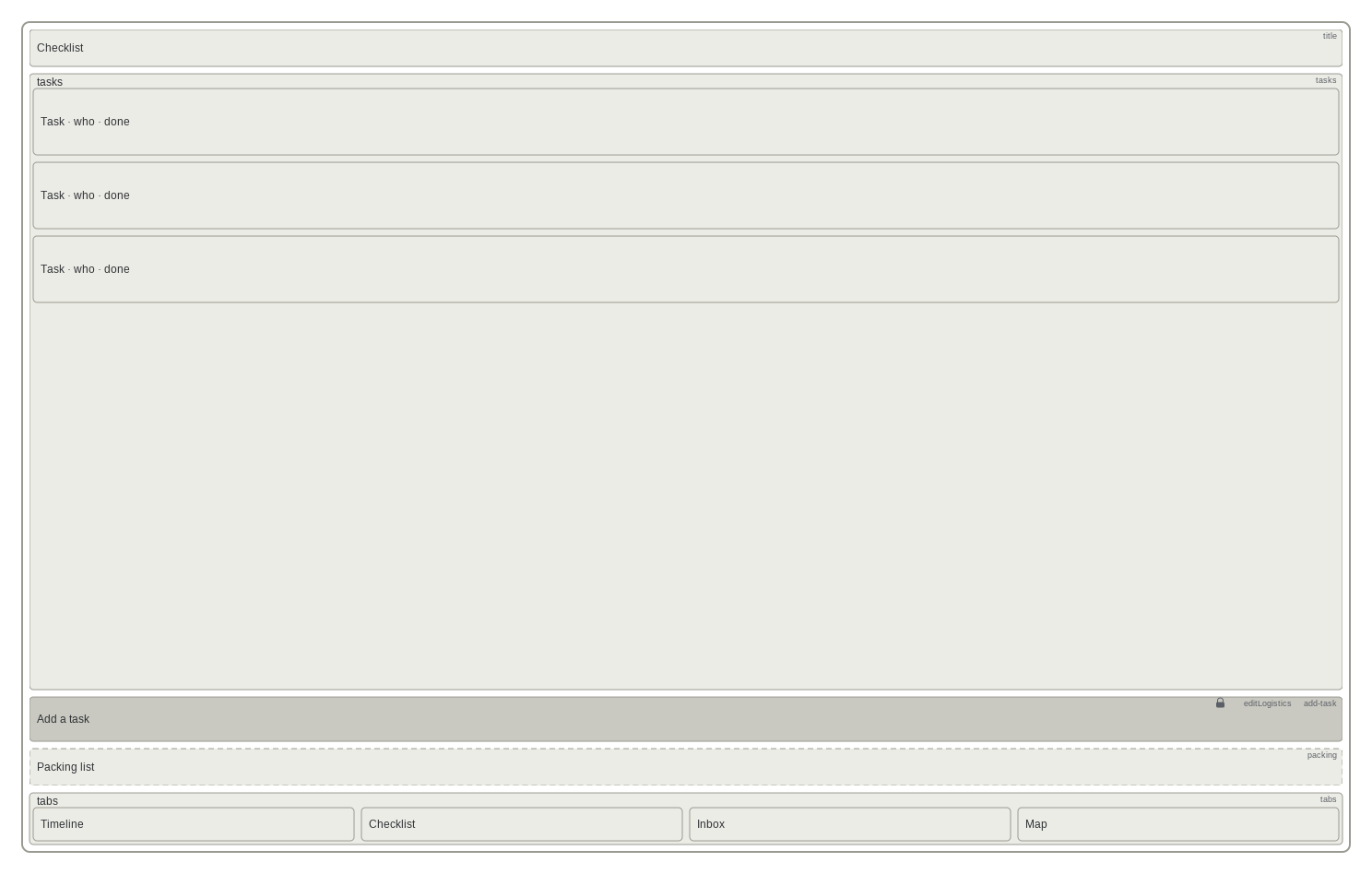
Checklist (trip.checklist)
Section titled “Checklist (trip.checklist)”- Purpose: What has to be done before the trip, and who is doing it.
- Presentation: tab
- Status: shipped
- Platforms: ios, android, web
Files:
- ios: src/ios/Screens/Trip/ChecklistView.swift
- android: src/android/ChecklistScreen.kt
- web: src/web/routes/trip/checklist/+page.svelte
Screenshots: none.
Navigates to:
trip.checklisttrip.inboxtrip.maptrip.packingtrip.timeline
Reached from:
trip.checklisttrip.inboxtrip.maptrip.timeline
Used in flows:
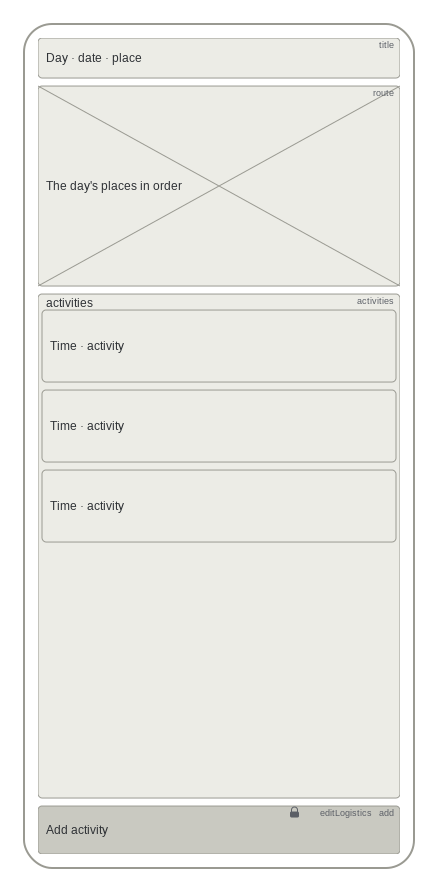
Day (trip.day)
Section titled “Day (trip.day)”- Purpose: One day of the trip on its own, with its places on a map.
- Presentation: push
- Status: shipped
- Platforms: ios, android, web
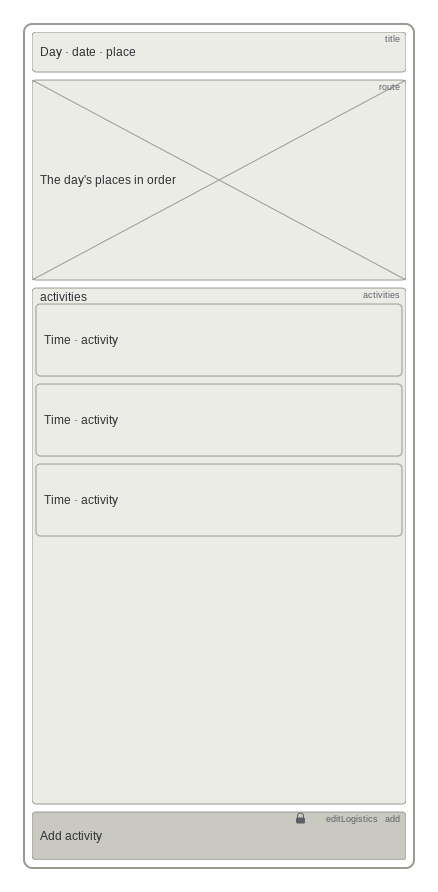
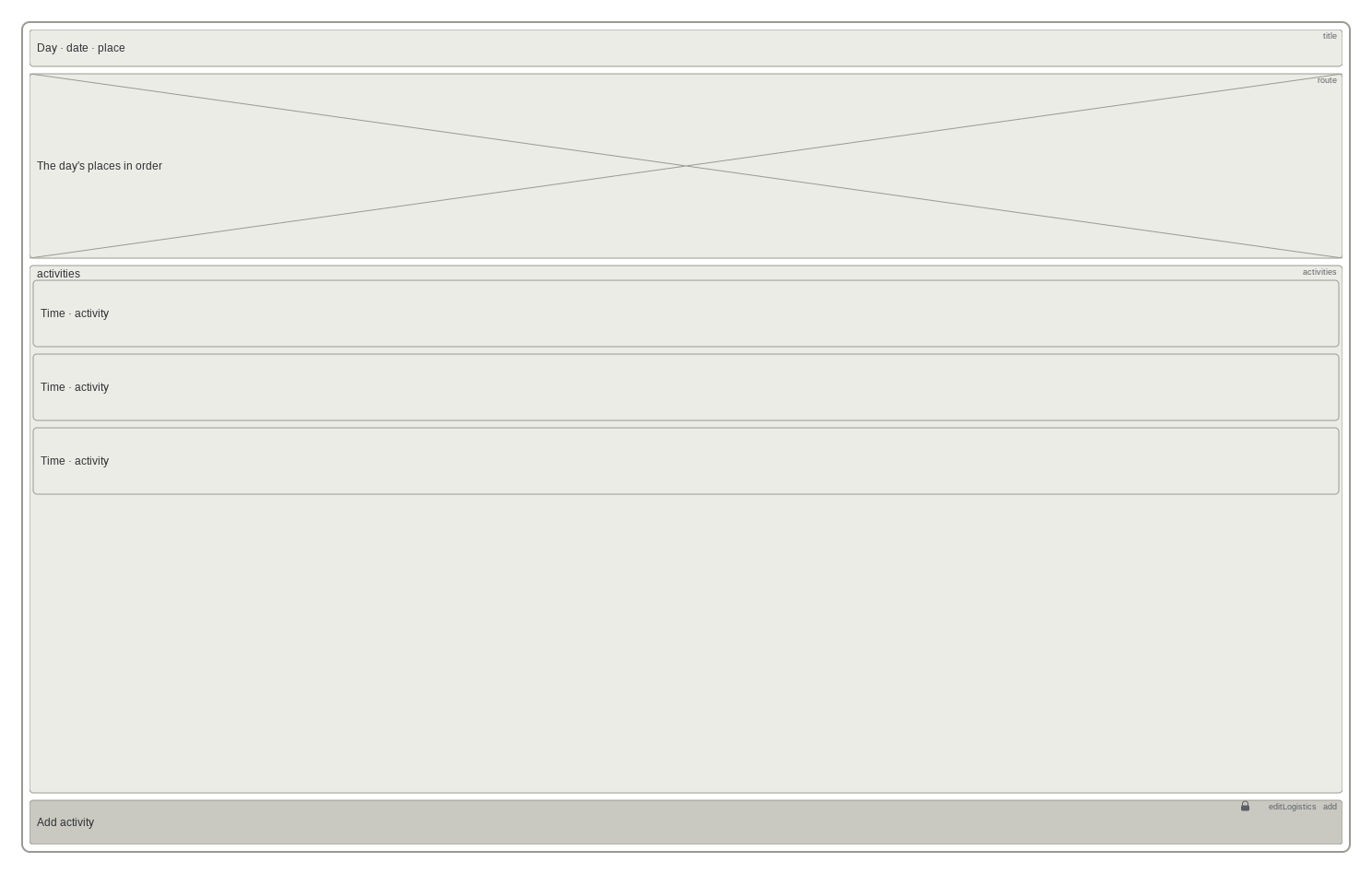
Files:
- ios: src/ios/Screens/Trip/DayView.swift
- android: src/android/DayScreen.kt
- web: src/web/routes/trip/day/+page.svelte
Screenshots: none.
Navigates to:
activity.addactivity.detail
Reached from:
trip.timeline
Used in flows:
Inbox (trip.inbox)
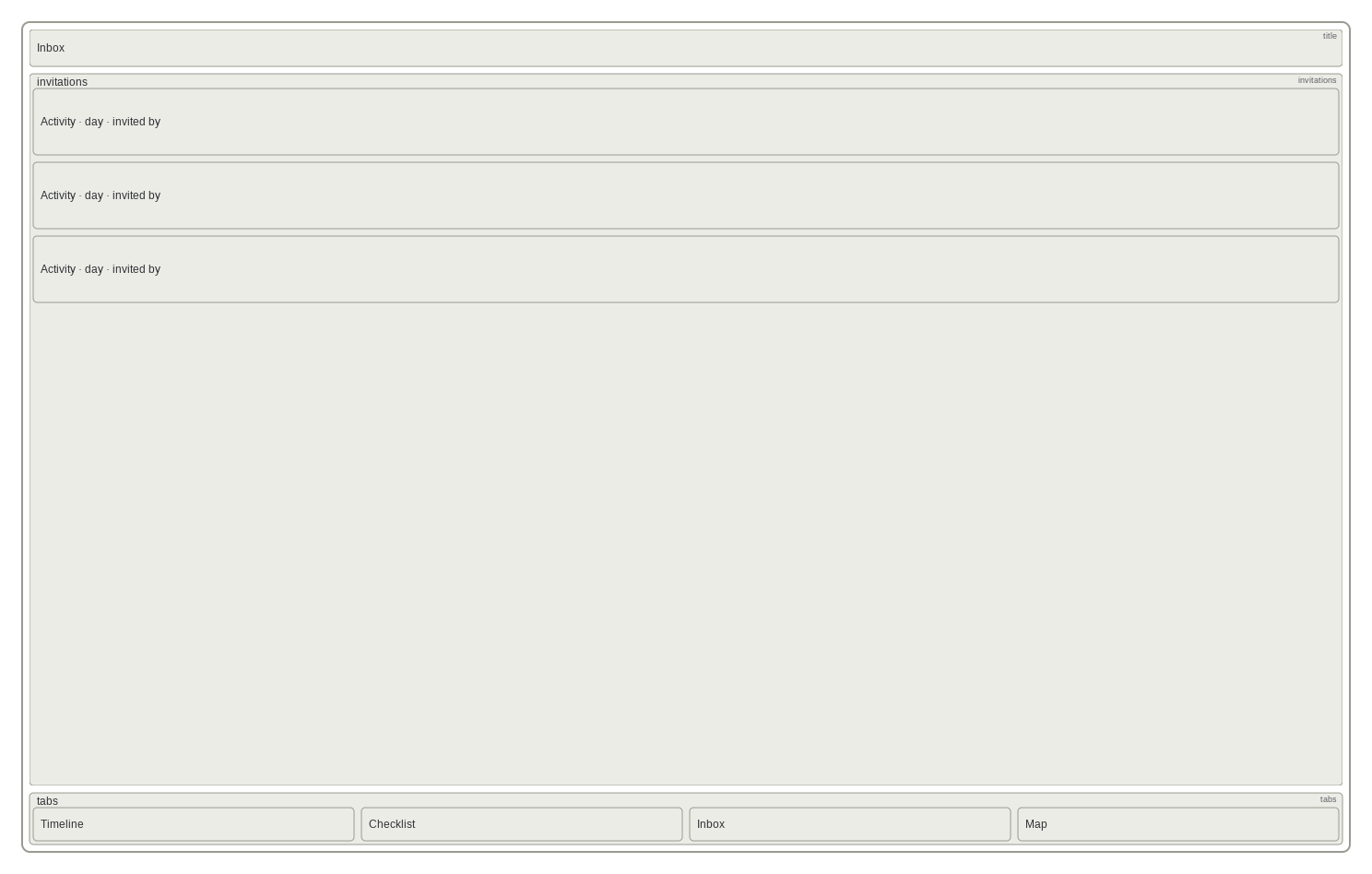
Section titled “Inbox (trip.inbox)”- Purpose: The invitations to activities that you have not answered yet.
- Presentation: tab
- Status: shipped
- Platforms: ios, android, web
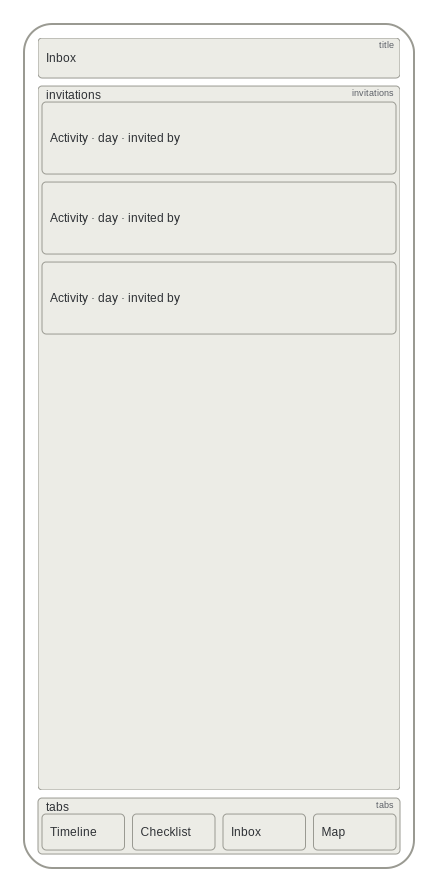
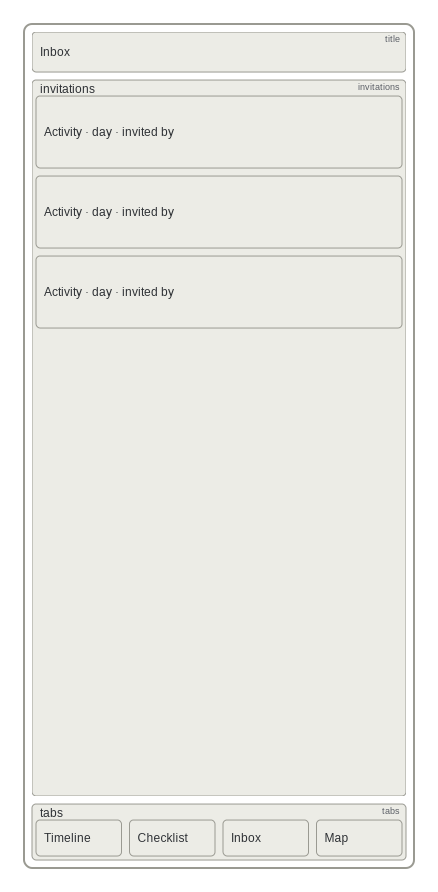
Files:
- ios: src/ios/Screens/Trip/InboxView.swift
- android: src/android/InboxScreen.kt
- web: src/web/routes/trip/inbox/+page.svelte
Screenshots: none.
Navigates to:
activity.detailtrip.checklisttrip.inboxtrip.maptrip.timeline
Reached from:
trip.checklisttrip.inboxtrip.maptrip.timeline
Used in flows:
Trip info (trip.info)
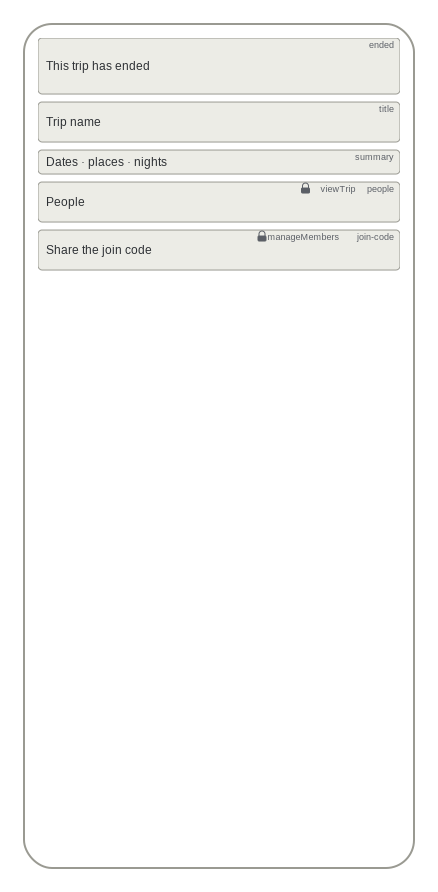
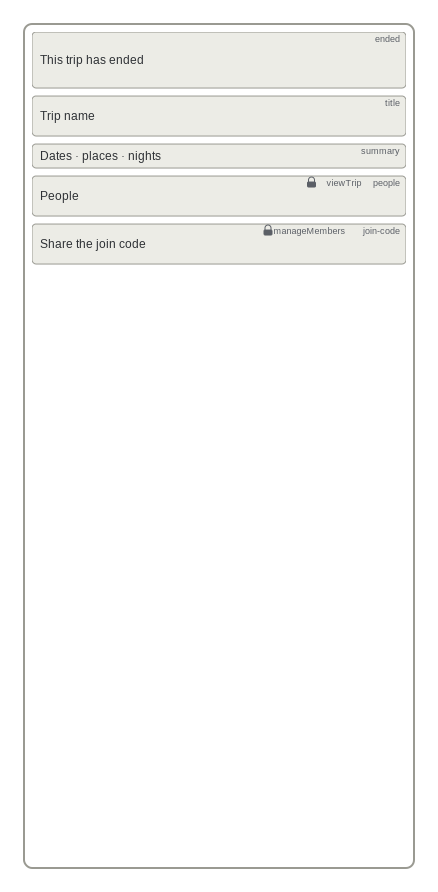
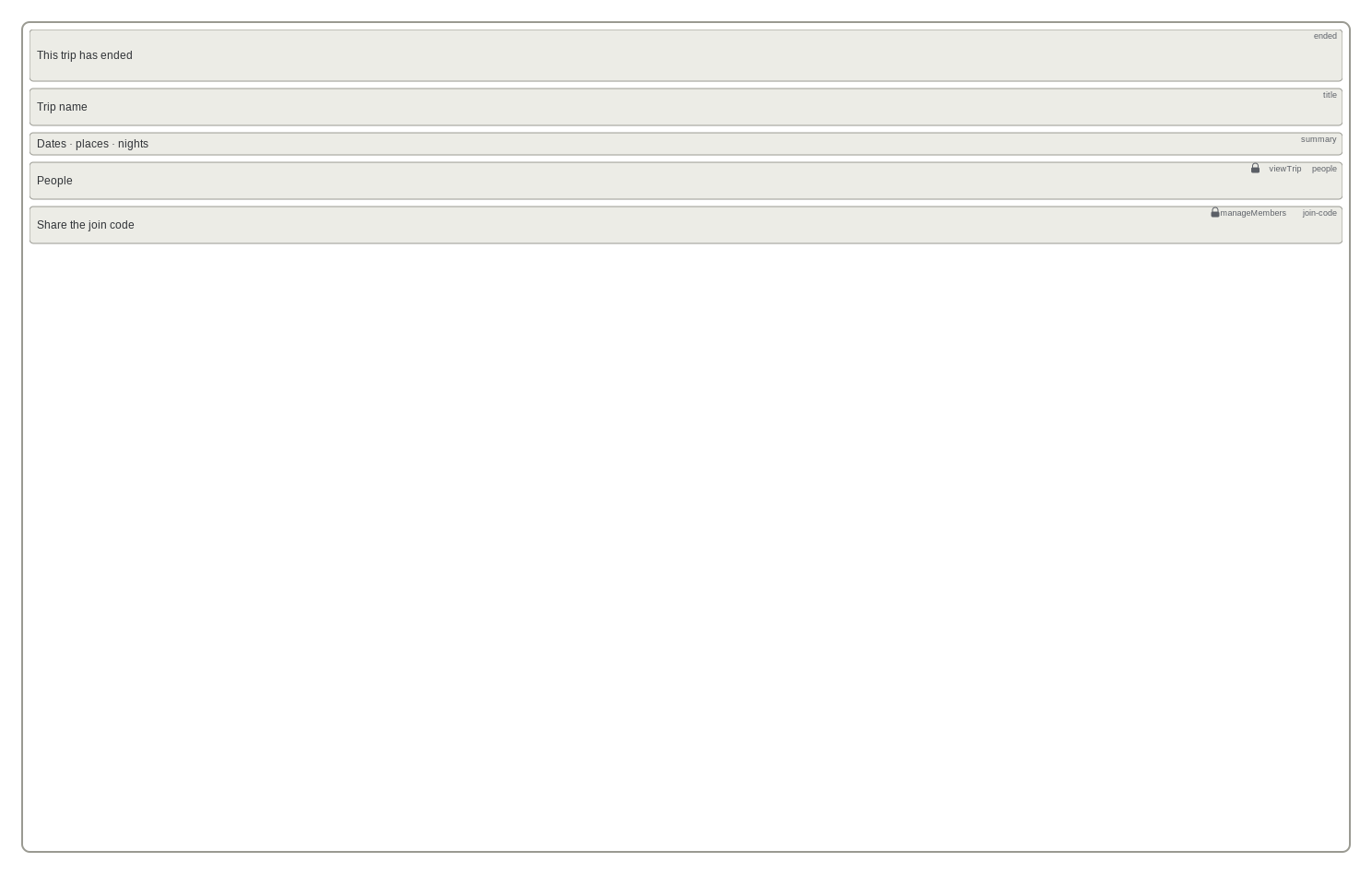
Section titled “Trip info (trip.info)”- Purpose: The trip’s dates, places and people, and its join code.
- Presentation: push
- Status: shipped
- Platforms: ios, android, web
Files:
- ios: src/ios/Screens/Trip/TripInfoView.swift
- android: src/android/TripInfoScreen.kt
- web: src/web/routes/trip/info/+page.svelte
Screenshots: none.
Navigates to:
sharing.roster
Reached from:
trip.timeline
Used in flows:
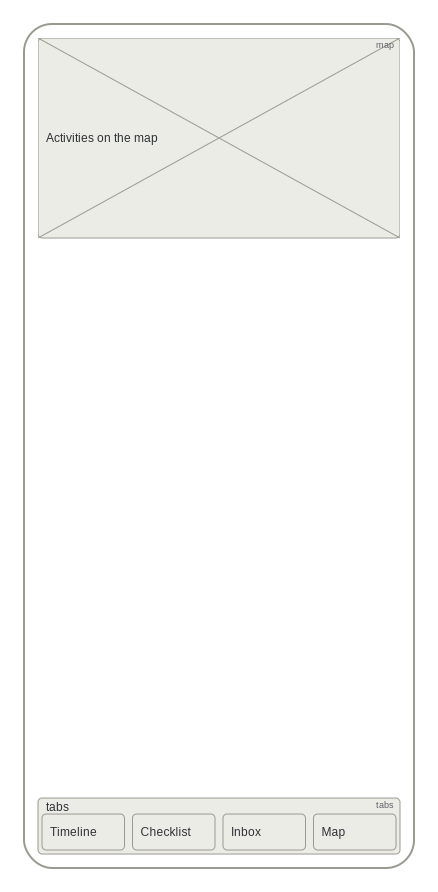
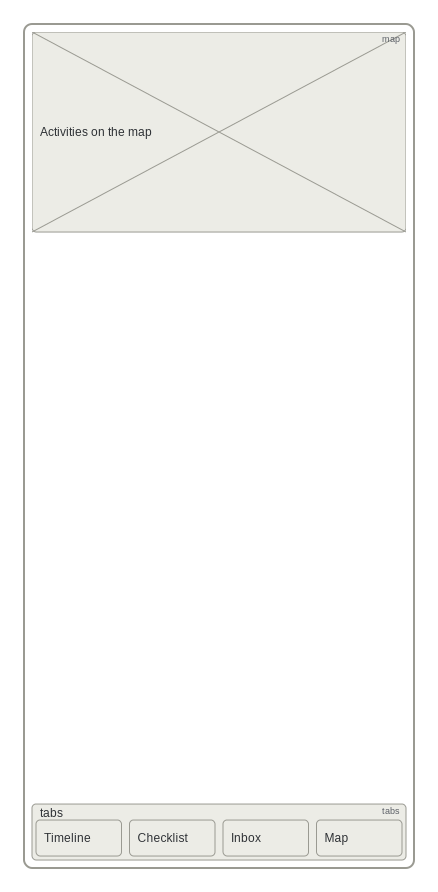
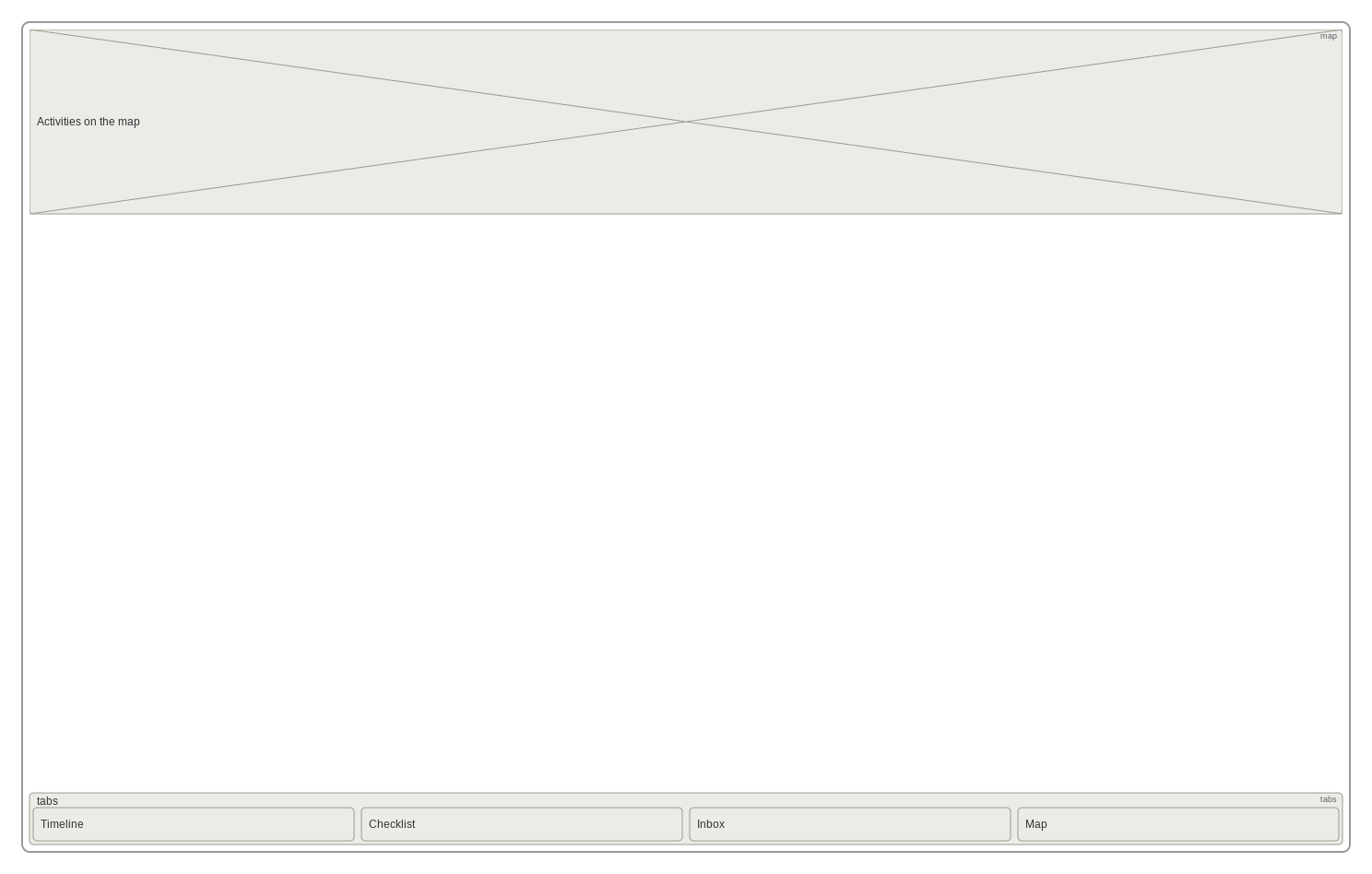
Trip map (trip.map)
Section titled “Trip map (trip.map)”- Purpose: Where each activity is, day by day.
- Presentation: tab
- Status: shipped
- Platforms: ios, android, web
Files:
- ios: src/ios/Screens/Trip/TripMapView.swift
- android: src/android/TripMapScreen.kt
- web: src/web/routes/trip/map/+page.svelte
Screenshots: none.
Navigates to:
trip.checklisttrip.inboxtrip.maptrip.timeline
Reached from:
trip.checklisttrip.inboxtrip.maptrip.timeline
Used in flows:
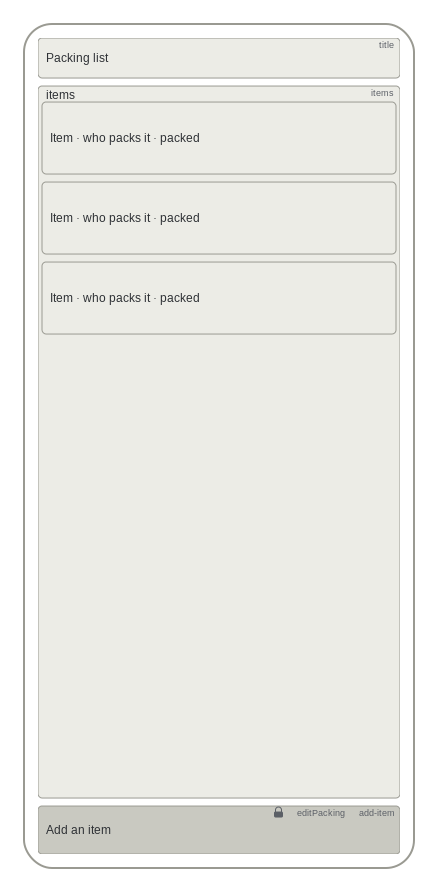
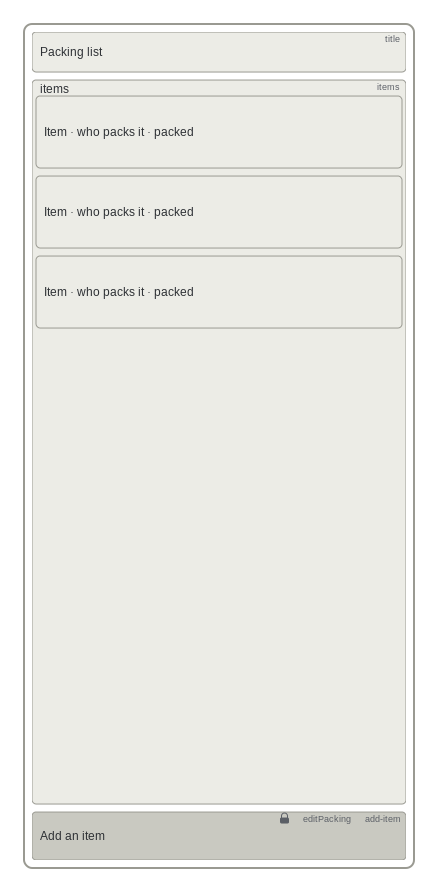
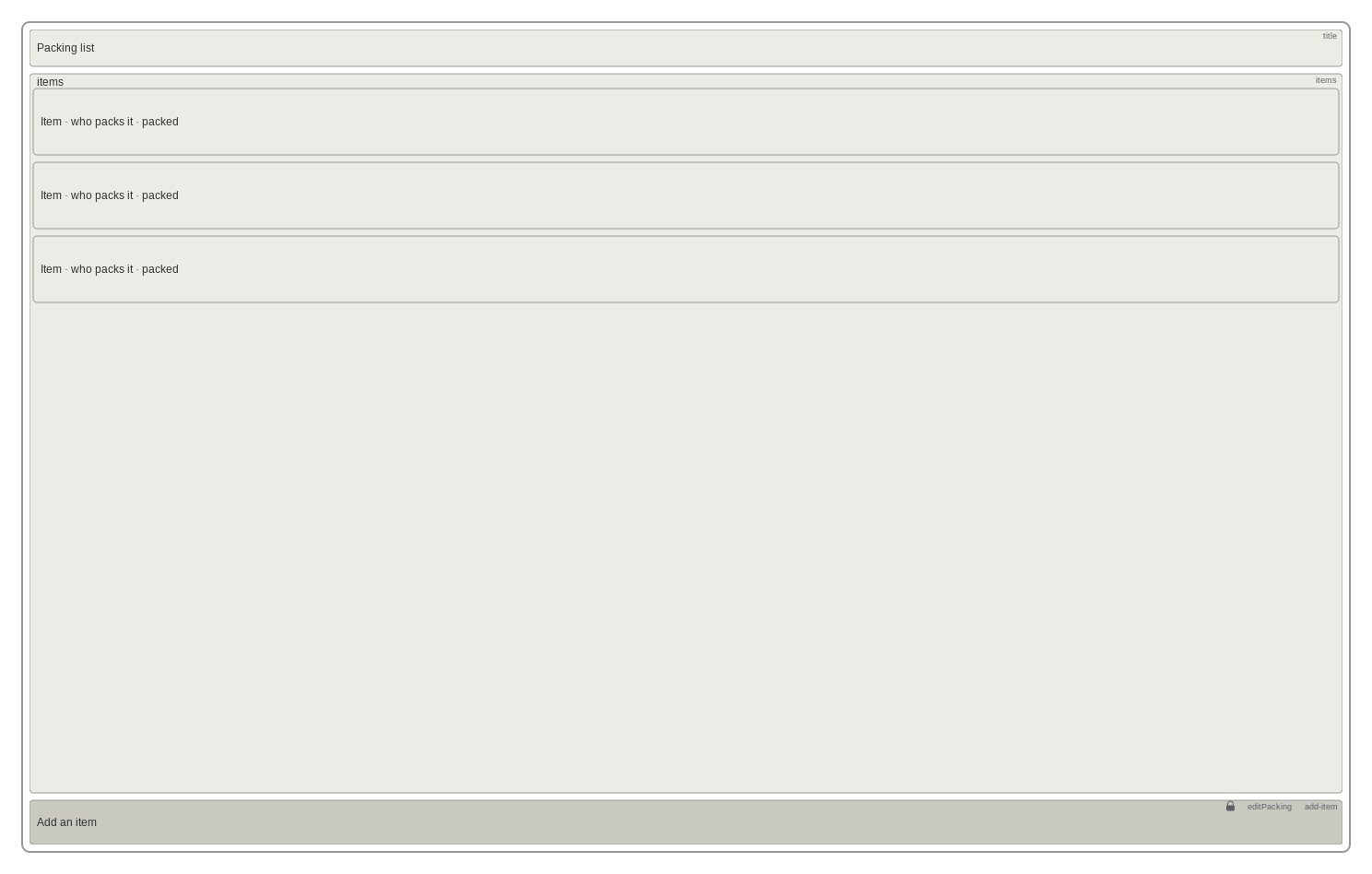
Packing list (trip.packing)
Section titled “Packing list (trip.packing)”- Purpose: What to bring, and who brings each thing so nothing is packed twice.
- Presentation: push
- Status: proposed
- Platforms: ios, android, web
Files:
- ios:
src/ios/Screens/Trip/PackingView.swift - android:
src/android/PackingScreen.kt - web:
src/web/routes/trip/packing/+page.svelte
Screenshots: none.
Navigates to: none.
Reached from:
trip.checklist
Used in flows:
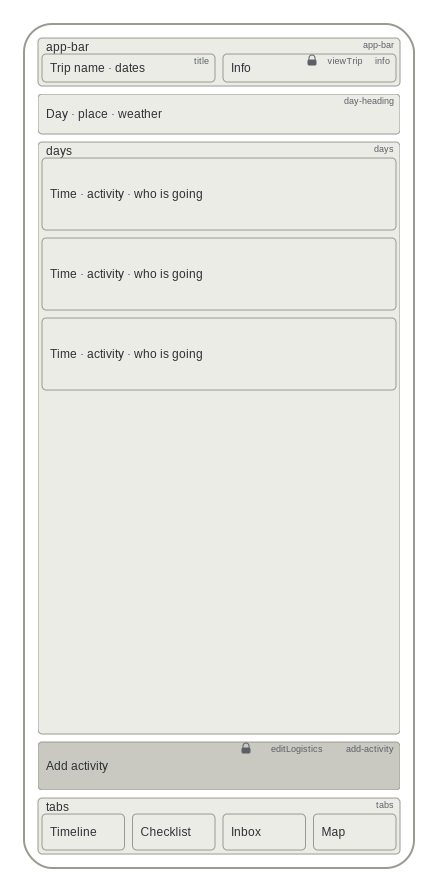
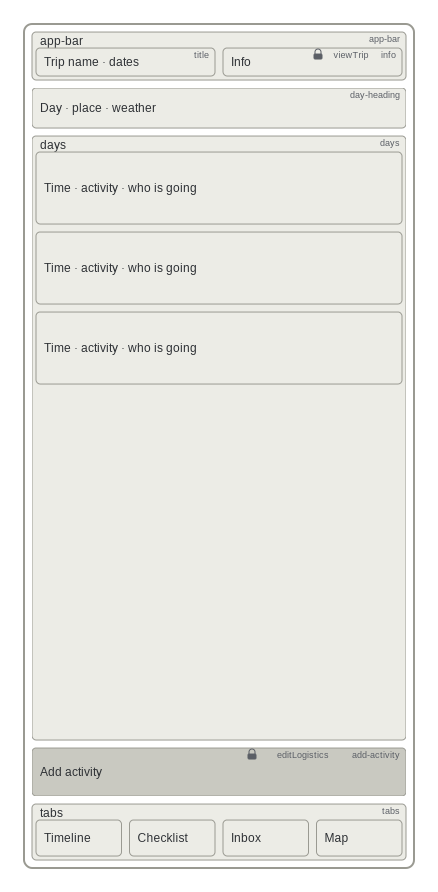
Timeline (trip.timeline)
Section titled “Timeline (trip.timeline)”- Purpose: The trip’s days in order, with what happens on each; the trip’s first tab.
- Presentation: tab
- Status: shipped
- Platforms: ios, android, web
Files:
- ios: src/ios/Screens/Trip/TimelineView.swift
- android: src/android/TimelineScreen.kt
- web: src/web/routes/trip/timeline/+page.svelte
Screenshots: none.
Navigates to:
activity.addactivity.detailtrip.checklisttrip.daytrip.inboxtrip.infotrip.maptrip.timeline
Reached from:
activity.addhome.new-triphome.tripssharing.jointrip.checklisttrip.inboxtrip.maptrip.timeline
Used in flows:
activity
Section titled “activity”Add activity (activity.add)
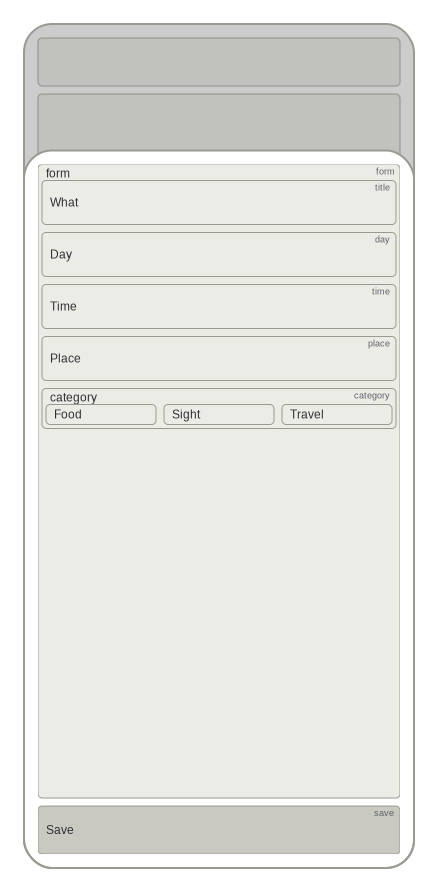
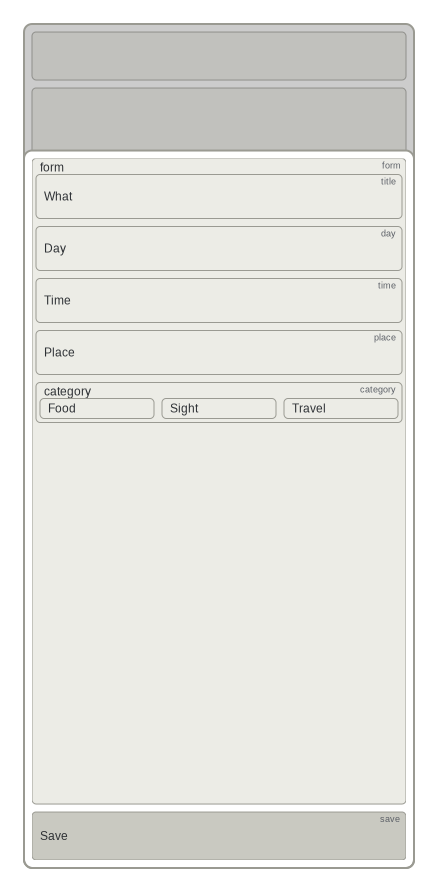
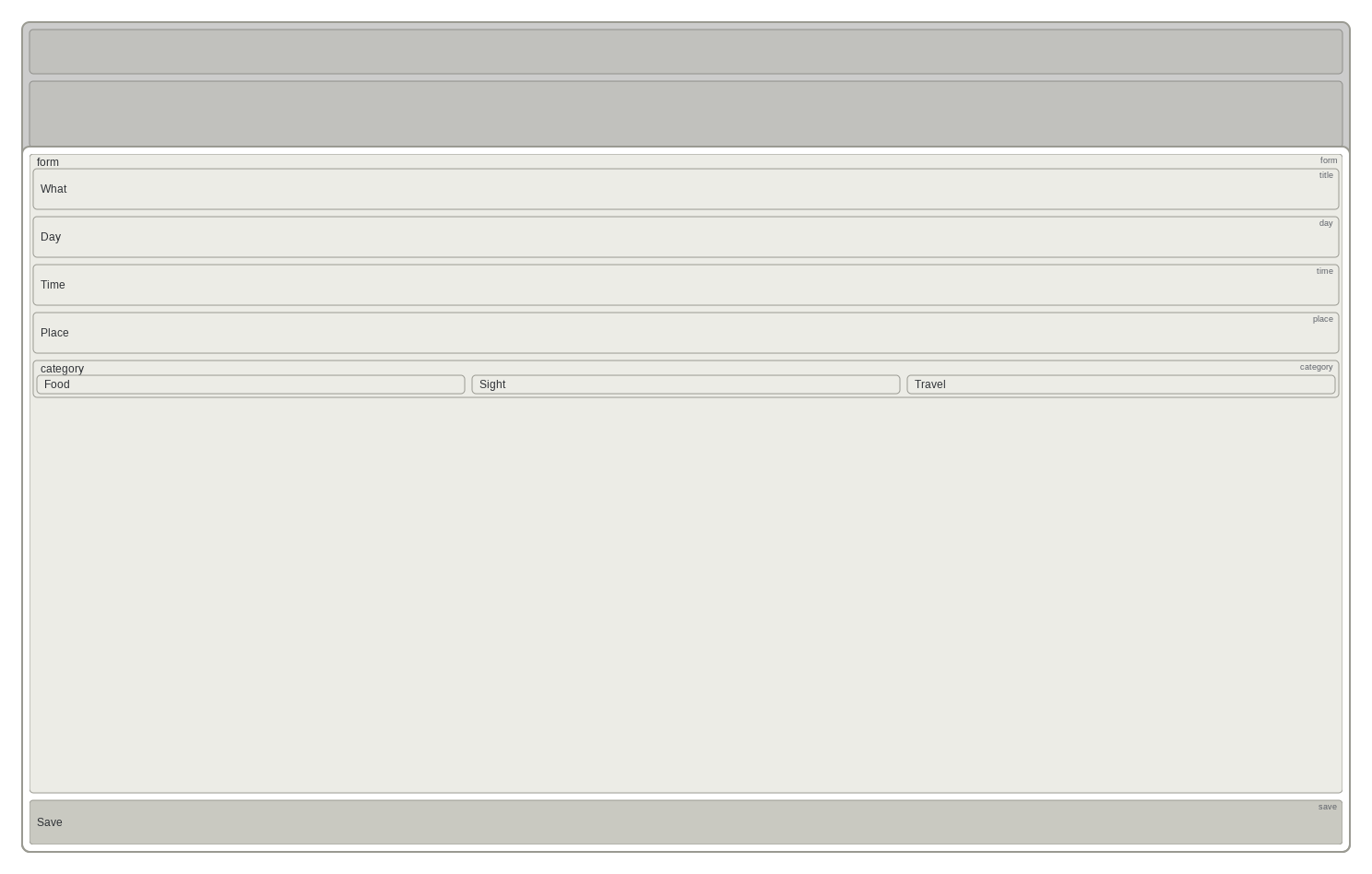
Section titled “Add activity (activity.add)”- Purpose: Put something on one day of the trip.
- Presentation: sheet
- Status: shipped
- Platforms: ios, android, web
Files:
- ios: src/ios/Screens/Activity/ActivityEditorView.swift
- android: src/android/ActivityEditorScreen.kt
- web: src/web/components/ActivityEditorSheet.svelte
Screenshots: none.
Navigates to:
activity.place-searchtrip.timeline
Reached from:
activity.detailactivity.place-searchtrip.daytrip.timeline
Used in flows:
Activity (activity.detail)
Section titled “Activity (activity.detail)”- Purpose: One activity’s time, place, notes and who is going.
- Presentation: push
- Status: shipped
- Platforms: ios, android, web
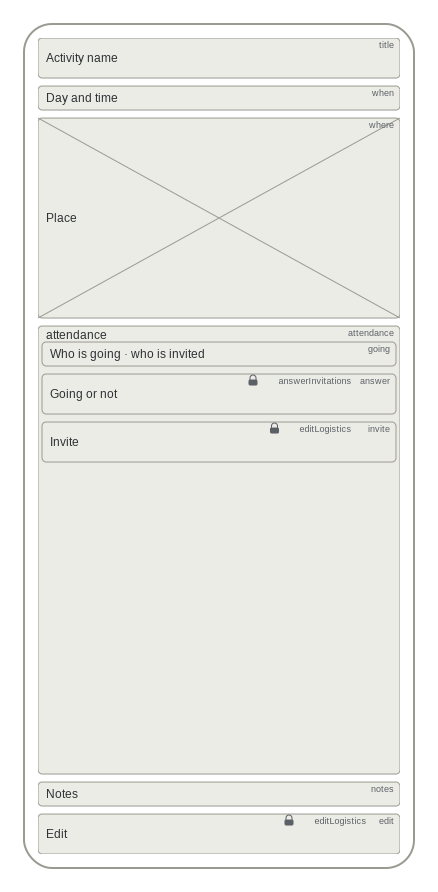
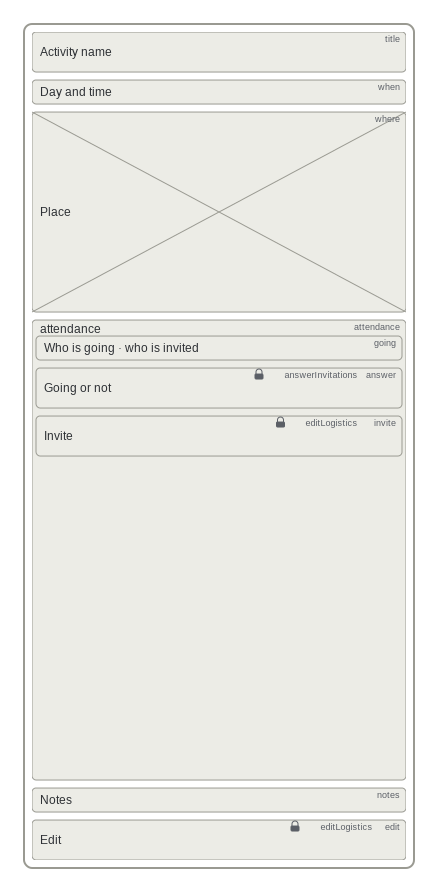
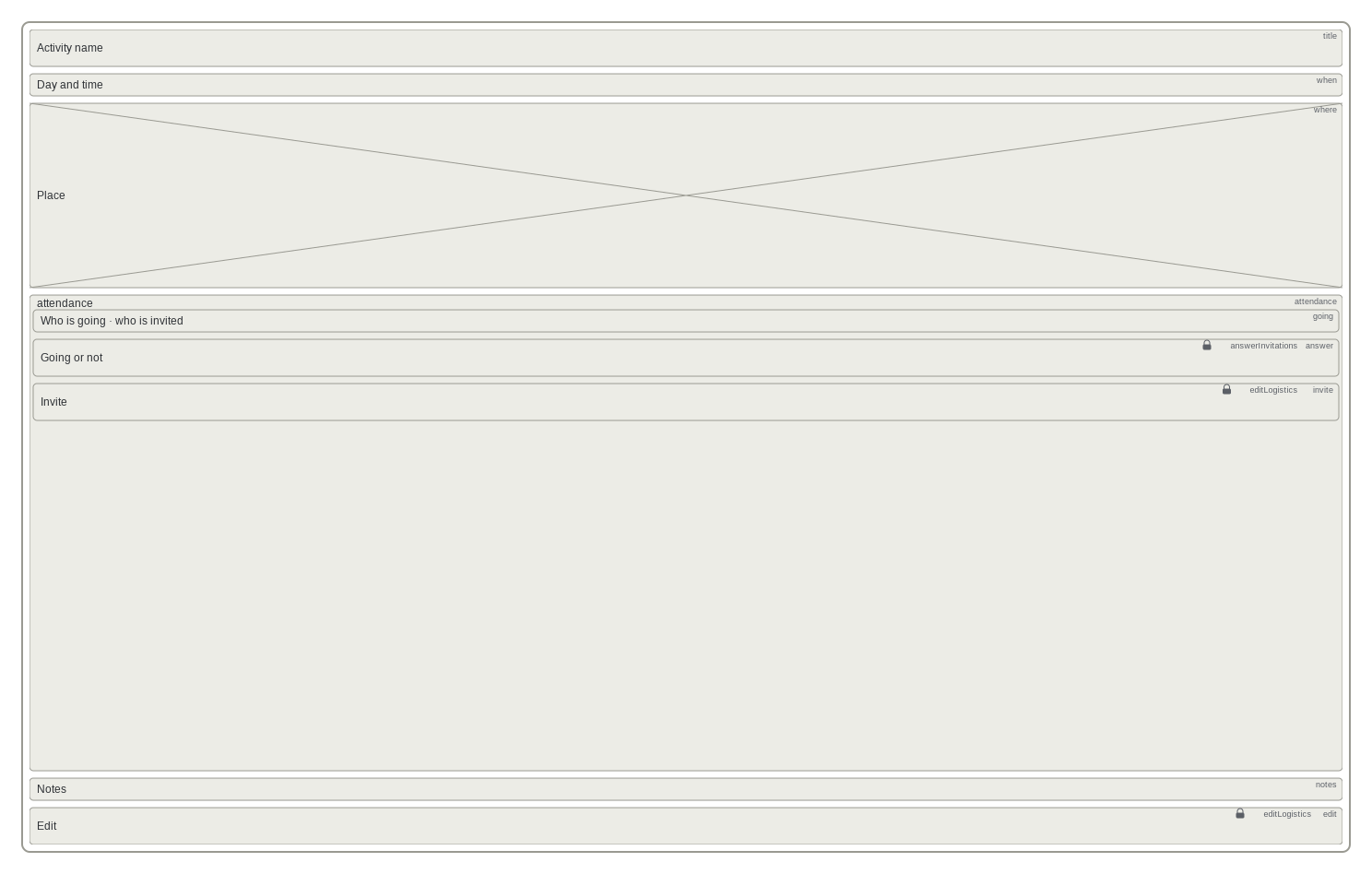
Files:
- ios: src/ios/Screens/Activity/ActivityDetailView.swift
- android: src/android/ActivityDetailScreen.kt
- web: src/web/routes/trip/activity/+page.svelte
Screenshots: none.
Navigates to:
activity.addactivity.invite
Reached from:
activity.invitetrip.daytrip.inboxtrip.timeline
Used in flows:
Invite to activity (activity.invite)
Section titled “Invite to activity (activity.invite)”- Purpose: Ask travellers on the trip to come to one activity.
- Presentation: sheet
- Status: shipped
- Platforms: ios, android, web
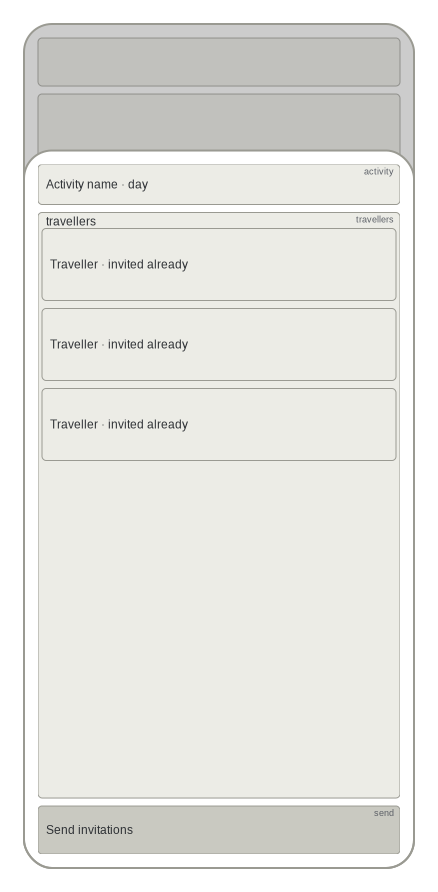
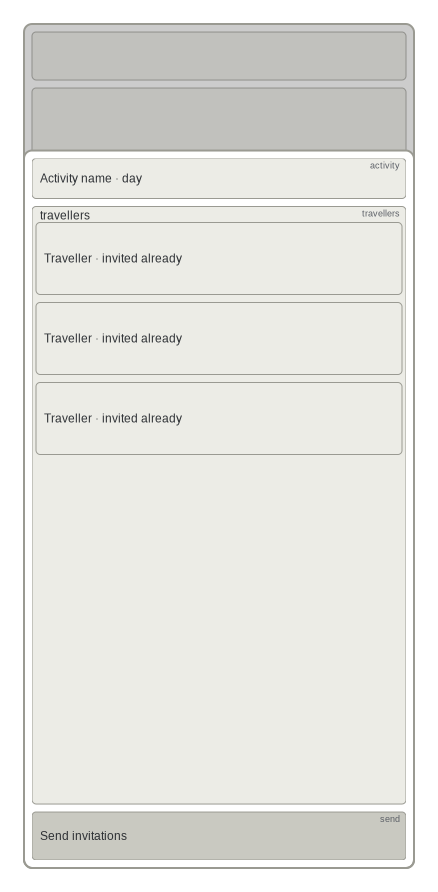
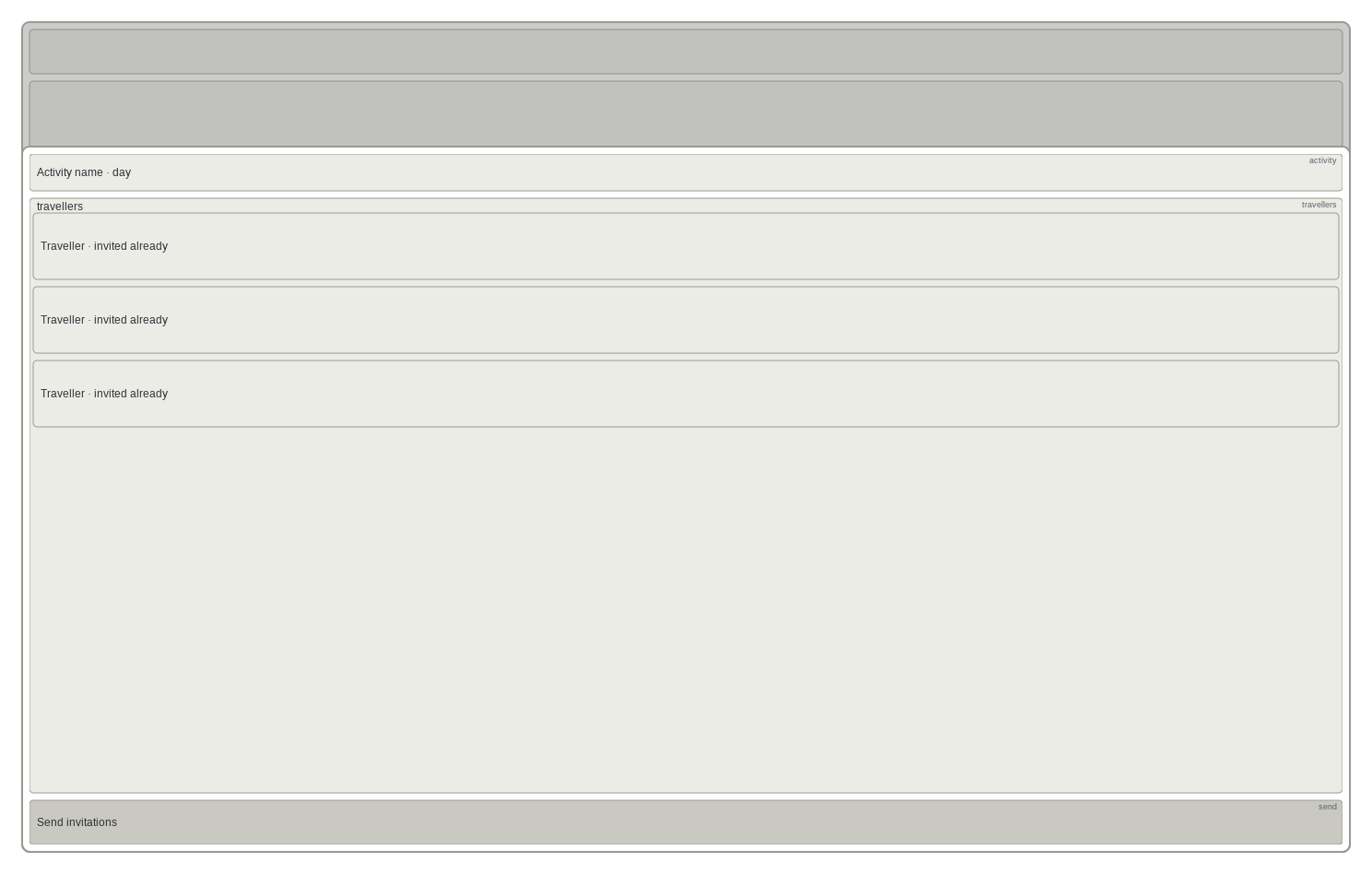
Files:
- ios: src/ios/Screens/Activity/ActivityInviteView.swift
- android: src/android/ActivityInviteScreen.kt
- web: src/web/components/ActivityInviteSheet.svelte
Screenshots: none.
Navigates to:
activity.detail
Reached from:
activity.detail
Used in flows:
Find a place (activity.place-search)
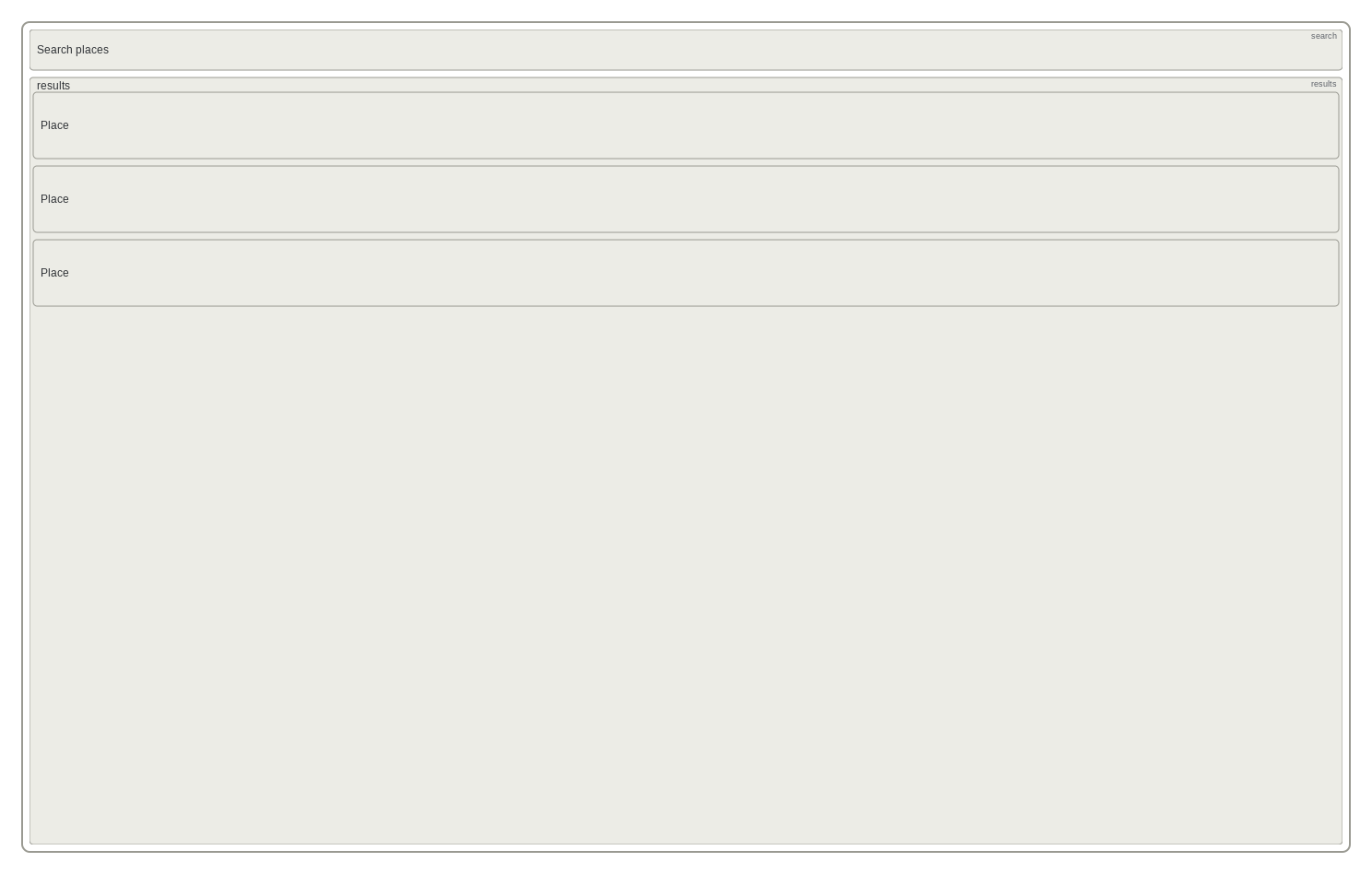
Section titled “Find a place (activity.place-search)”- Purpose: Search for the place an activity happens.
- Presentation: push
- Status: shipped
- Platforms: ios, android, web
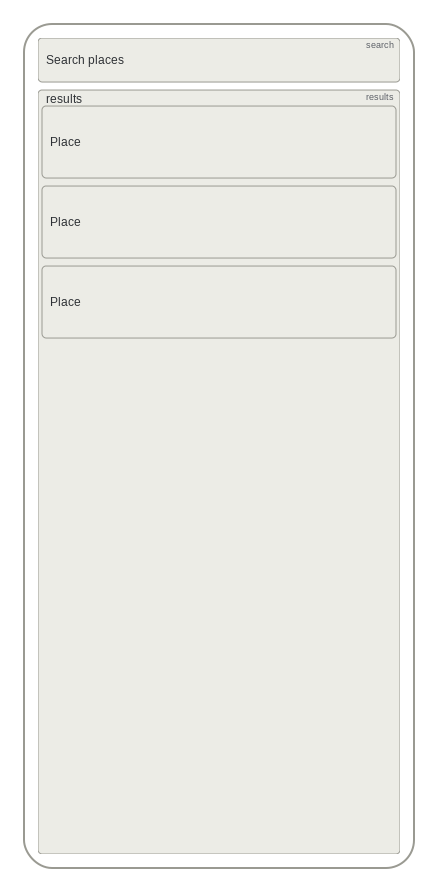
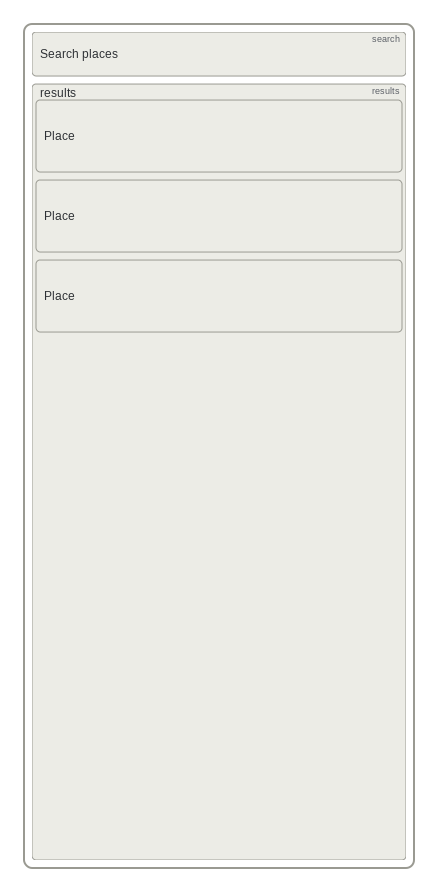
Files:
- ios: src/ios/Screens/Activity/PlaceSearchView.swift
- android: src/android/PlaceSearchScreen.kt
- web: src/web/components/PlaceSearch.svelte
Screenshots: none.
Navigates to:
activity.add
Reached from:
activity.add
Used in flows:
sharing
Section titled “sharing”Invite someone (sharing.invite)
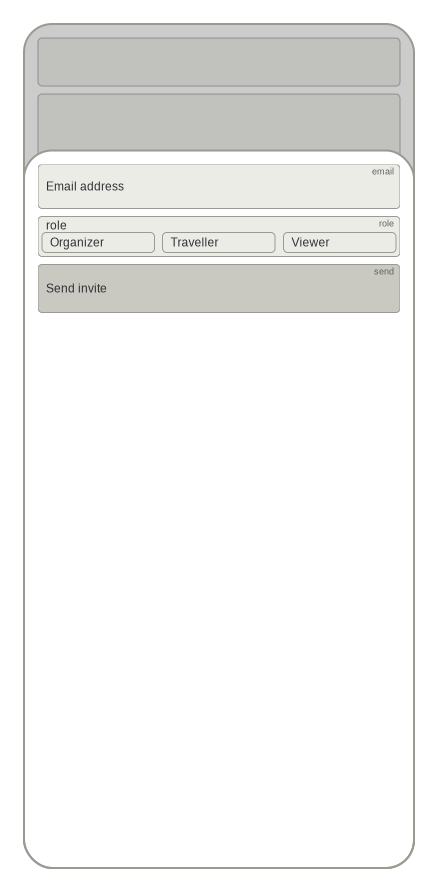
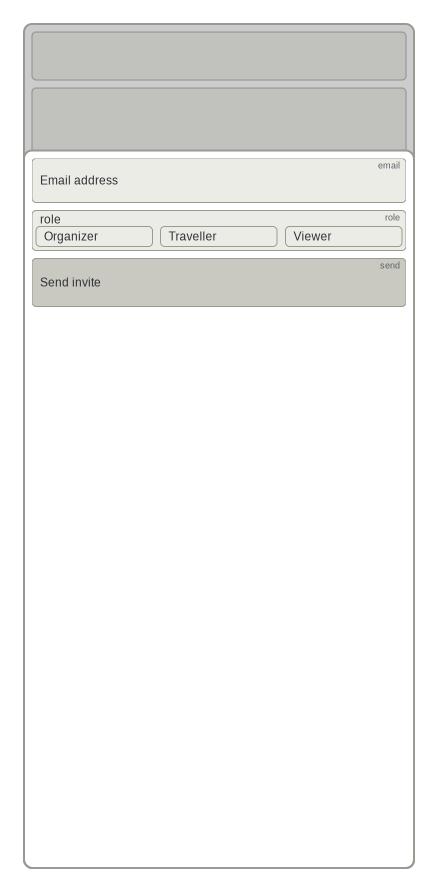
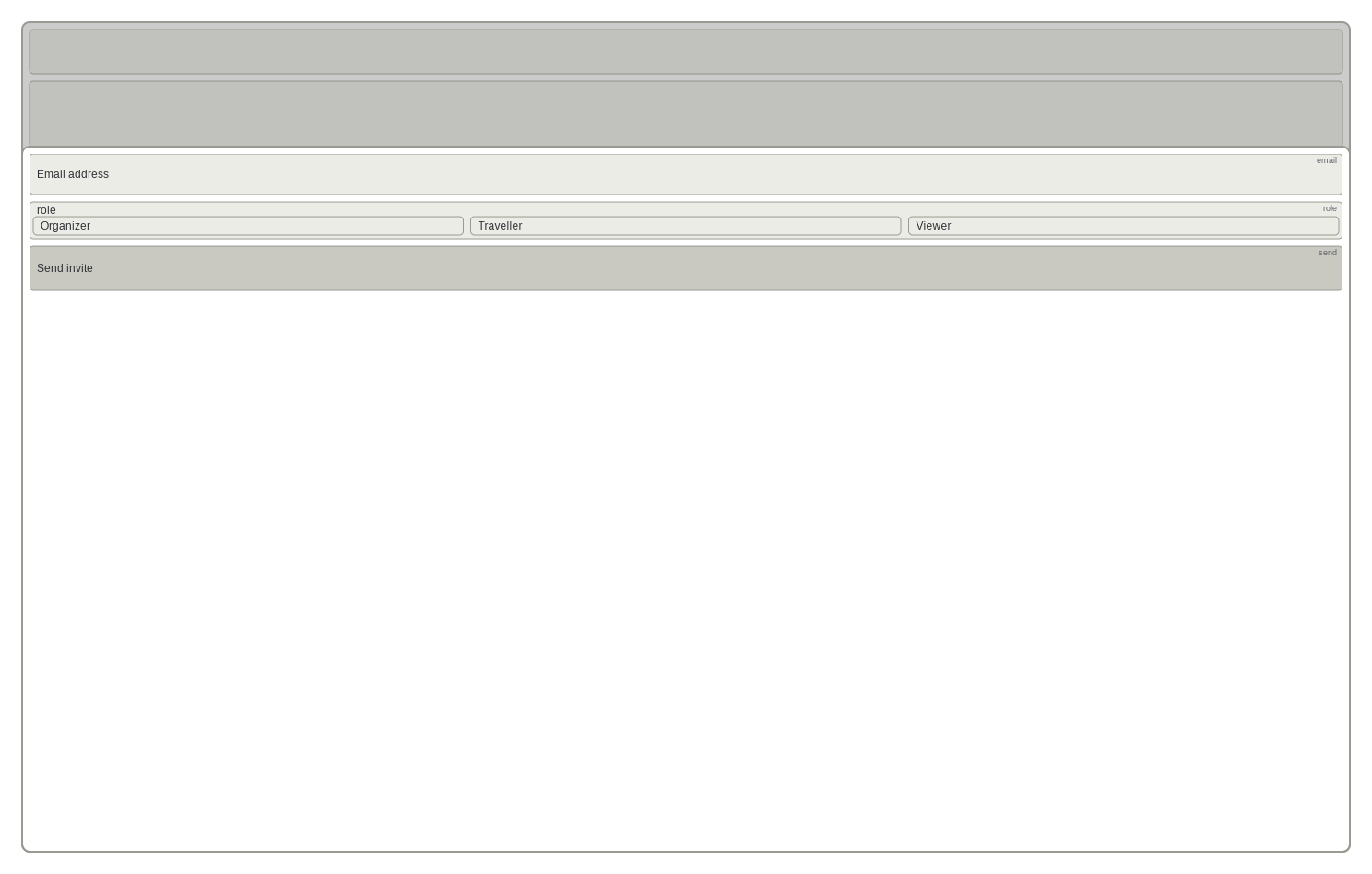
Section titled “Invite someone (sharing.invite)”- Purpose: Send an invitation to the trip by email.
- Presentation: sheet
- Status: ios: shipped, android: proposed, web: shipped
- Platforms: ios, android, web
Files:
- ios: src/ios/Screens/Sharing/InviteView.swift
- android:
src/android/InviteScreen.kt - web: src/web/components/InviteSheet.svelte
Screenshots: none.
Navigates to:
sharing.roster
Reached from:
sharing.roster
Used in flows:
Join a trip (sharing.join)
Section titled “Join a trip (sharing.join)”- Purpose: Join a trip with the code its organizer shared.
- Presentation: dialog
- Status: shipped
- Platforms: ios, android, web
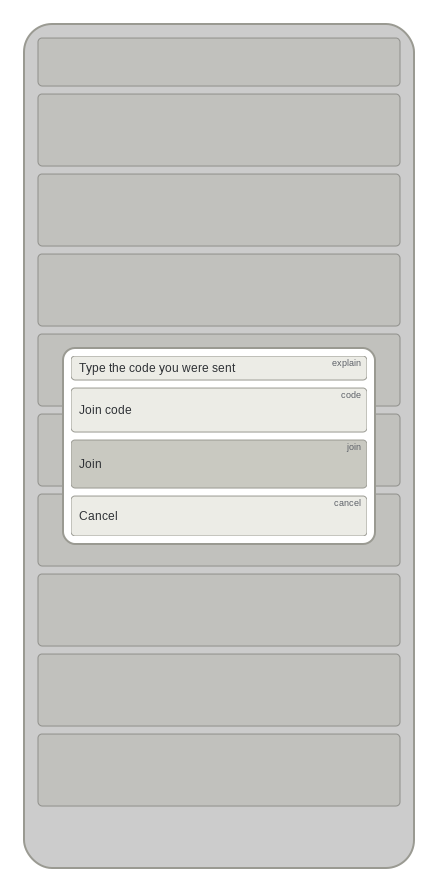
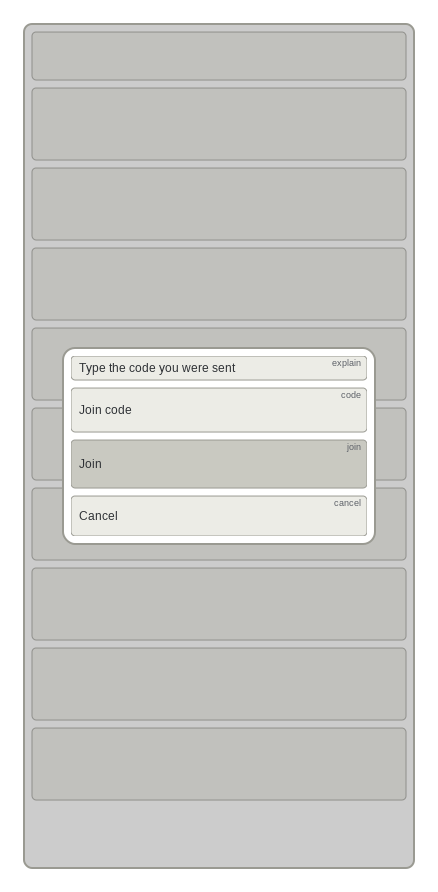
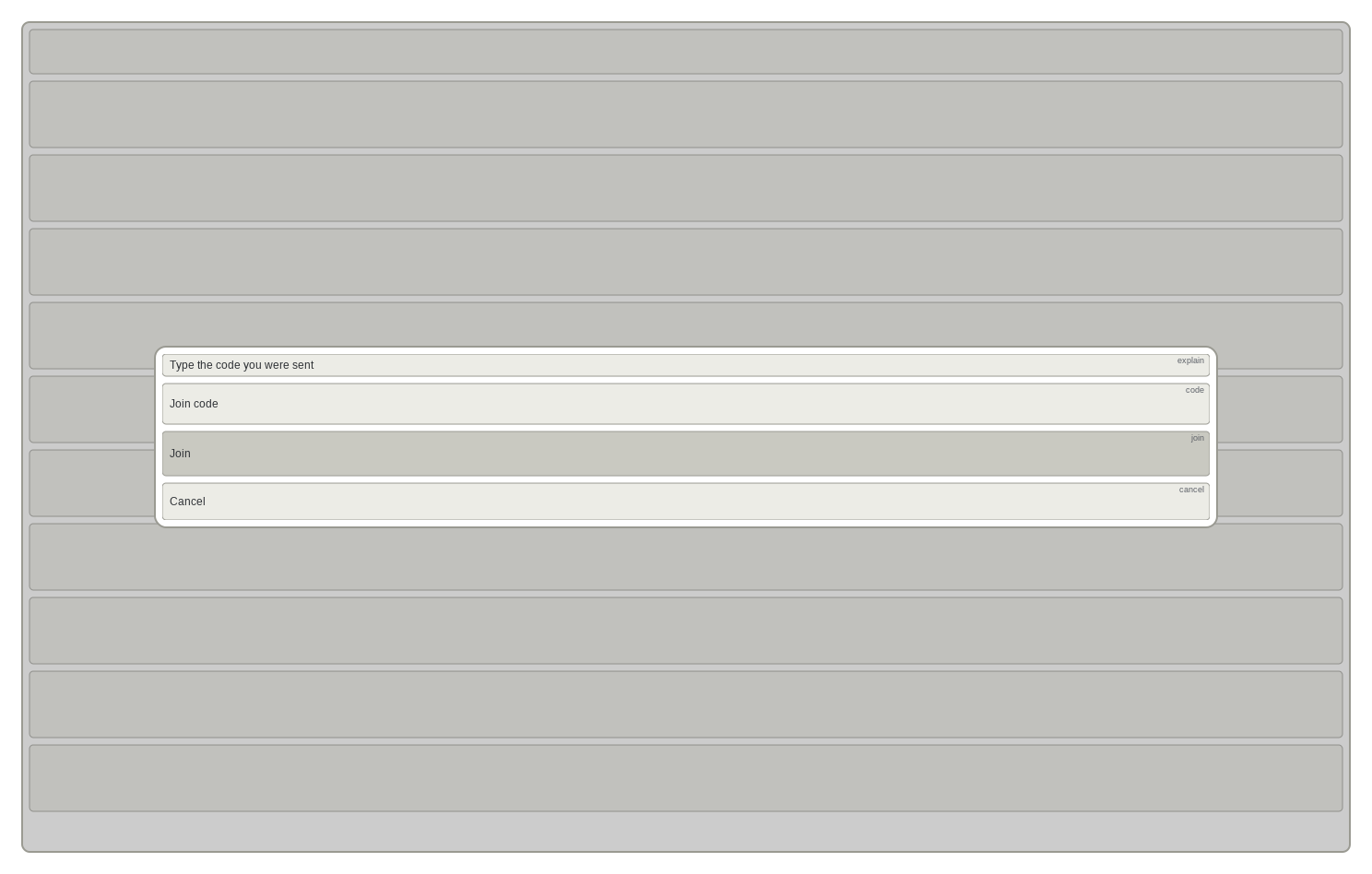
Files:
- ios: src/ios/Screens/Sharing/JoinView.swift
- android: src/android/JoinScreen.kt
- web: src/web/components/JoinDialog.svelte
Screenshots: none.
Navigates to:
home.tripstrip.timeline
Reached from:
home.trips
Used in flows:
People (sharing.roster)
Section titled “People (sharing.roster)”- Purpose: Who is on the trip and what each person may do.
- Presentation: push
- Status: shipped
- Platforms: ios, android, web
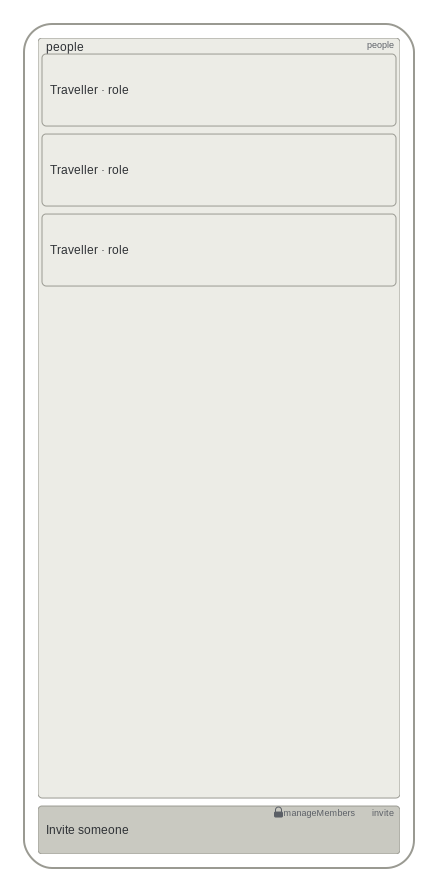
Files:
- ios: src/ios/Screens/Sharing/RosterView.swift
- android: src/android/RosterScreen.kt
- web: src/web/routes/trip/people/+page.svelte
Screenshots: none.
Navigates to:
sharing.invite
Reached from:
sharing.invitetrip.info
Used in flows:
settings
Section titled “settings”Account (settings.account)
Section titled “Account (settings.account)”- Purpose: Change your name, email and password, or delete the account.
- Presentation: push
- Status: shipped
- Platforms: ios, android
Files:
Screenshots: none.
Navigates to:
auth.welcome
Reached from:
settings.main
Used in flows:
Settings (settings.main)
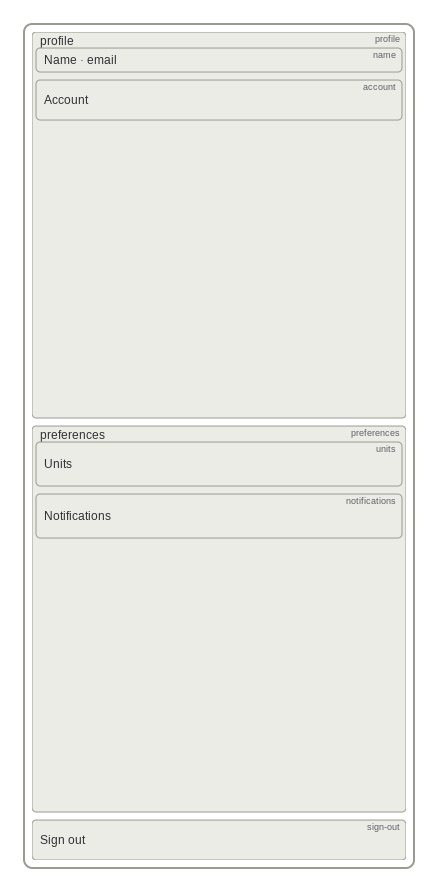
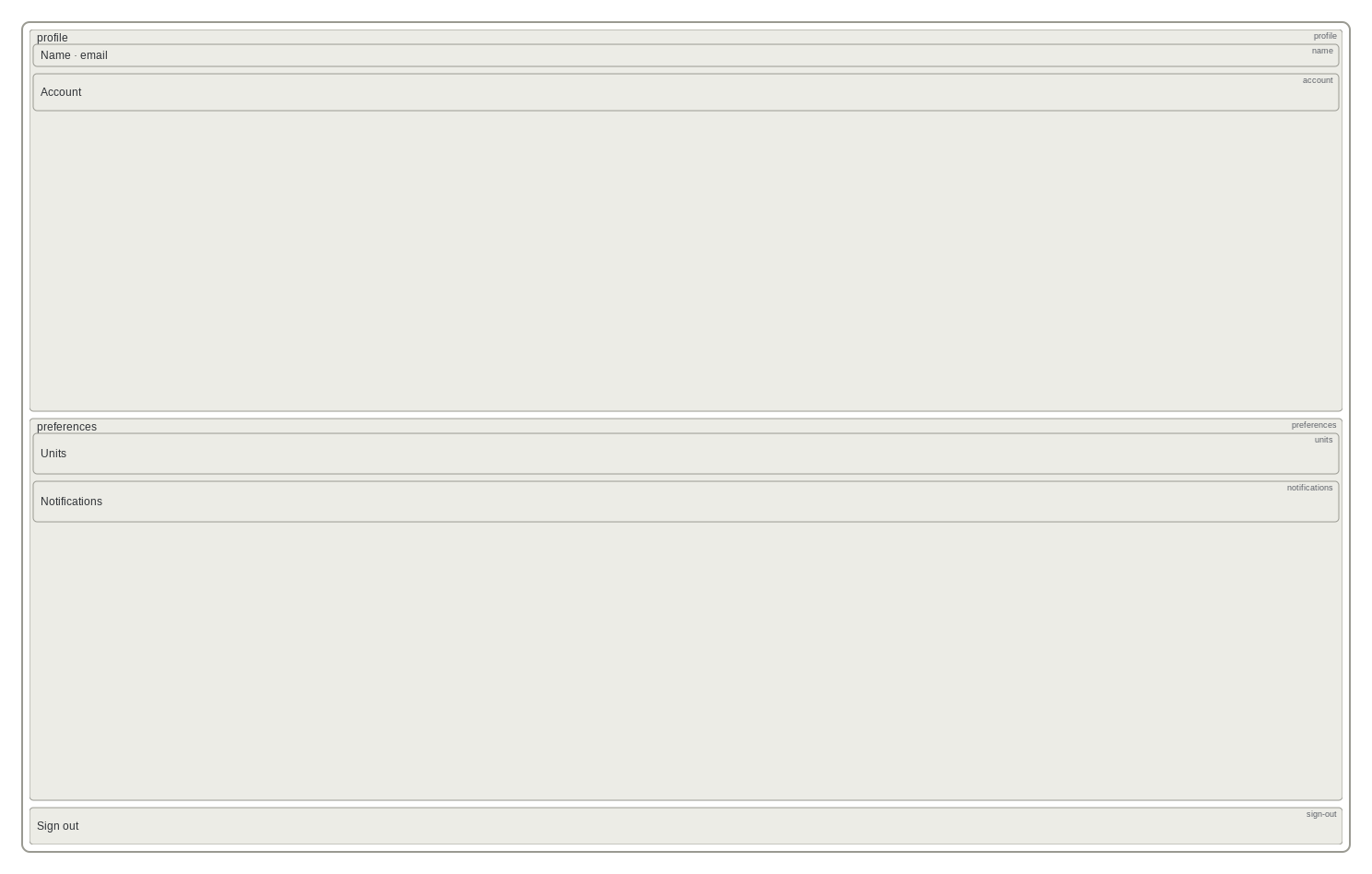
Section titled “Settings (settings.main)”- Purpose: Your profile, how the app behaves, and signing out.
- Presentation: push
- Status: shipped
- Platforms: ios, android, web
Files:
- ios: src/ios/Screens/Settings/SettingsView.swift
- android: src/android/SettingsScreen.kt
- web: src/web/routes/settings/+page.svelte
Screenshots: none.
Navigates to:
auth.welcomesettings.account
Reached from:
home.trips
Used in flows: